
Mastering eBay Product Photography: A Comprehensive Guide for Sellers
Unlock higher sales and better rankings on eBay with this guide to essential product photography requirements, best practices, and AI tools.

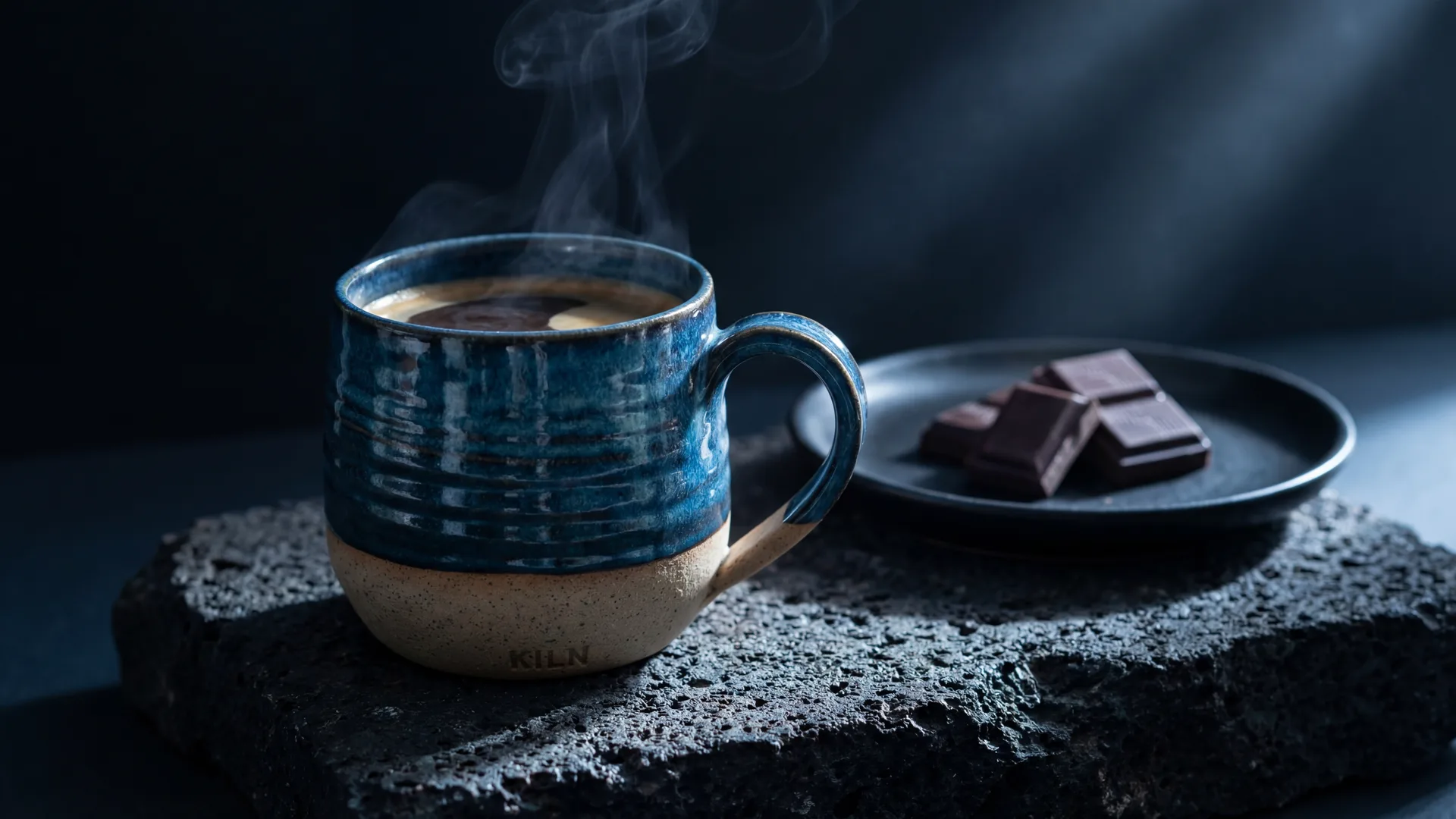
As an e-commerce seller, you already know that a picture is worth a thousand words – but on eBay, it can be worth hundreds, even thousands, of dollars. Your product images are not just visual aids; they are your primary sales tool, your brand's first impression, and a critical factor in how your listings perform in eBay's competitive marketplace. High-quality product photography doesn't just attract buyers; it builds trust, reduces returns, and directly impacts your visibility and sales rank.
This comprehensive guide will walk you through eBay's specific image requirements, explore why visual quality is paramount, highlight common pitfalls, share best practices for different image types, and demonstrate how AI-powered tools like Photone AI can revolutionize your product photography workflow.
eBay's Specific Image Requirements: The Foundation of Your Listing
Meeting eBay's technical requirements is non-negotiable for listing success. Deviating from these guidelines can lead to suppressed listings, lower search rankings, or even listing removal. Adhering to them ensures your products are presented optimally to potential buyers and meet platform standards.
Minimum and Recommended Image Sizes
eBay mandates a minimum image size to ensure clarity and allow for its zoom feature. Images must be at least 500 pixels on the longest side. However, for optimal viewing and to enable the crucial zoom functionality, eBay strongly recommends images be at least 1600 pixels on the longest side. The zoom feature is a powerful tool for buyers to inspect product details, and listings that support it often convert better.
Accepted Formats and File Size
eBay accepts a variety of image formats, including JPEG, PNG, GIF, TIFF, and BMP. JPEG is generally recommended due to its excellent balance of quality and file size, which helps with faster loading times. Each image can have a maximum file size of 12 MB. While multiple formats are accepted, consistency in using high-quality JPEGs will serve you best.
Background Rules and Best Practices
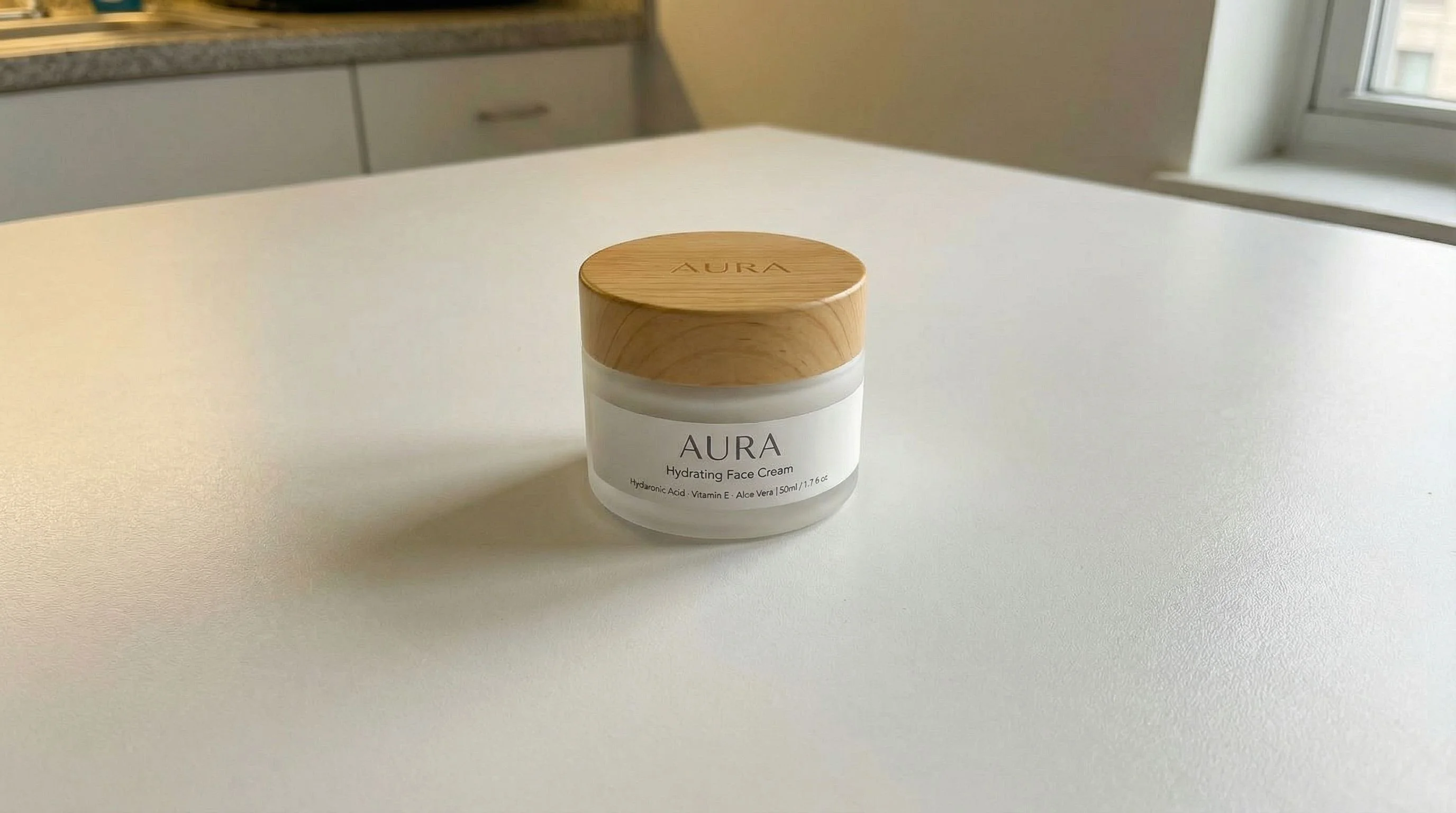
This is one of the most critical aspects of eBay product photography. For your main image, eBay strictly recommends a pure white (RGB 255, 255, 255) or very light, plain background. This helps the product stand out, ensures consistency across the marketplace, and is a significant factor in eBay's "Best Match" search algorithm. A busy or colored background on your main image can penalize your listing's visibility.
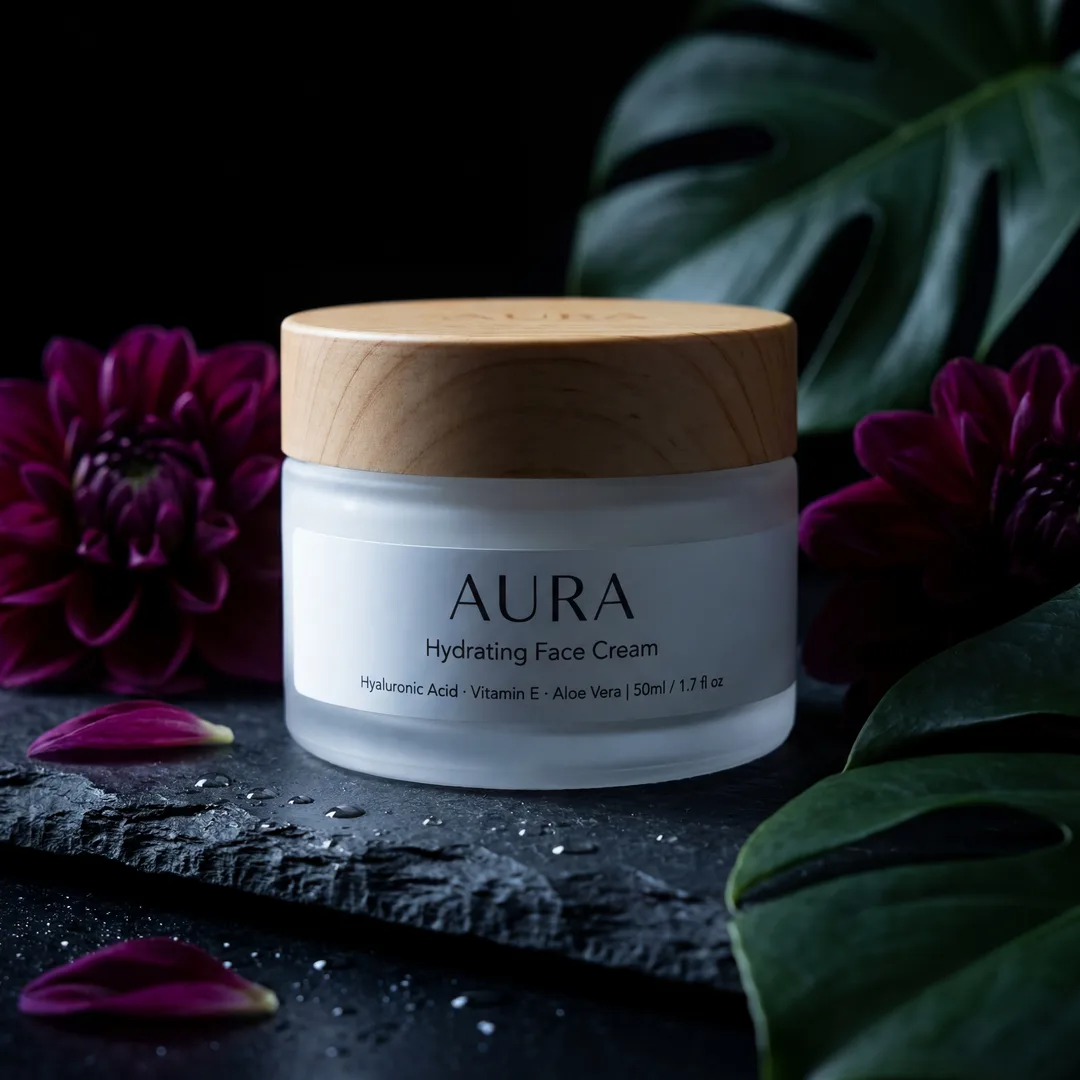
For secondary images, you have slightly more flexibility. While a clean background is always preferred, you can use contextual or lifestyle backgrounds that show the product in use, as long as they are professional, relevant, and not distracting. Avoid busy patterns, cluttered environments, or backgrounds that make the product difficult to see.
Prohibited Elements: Watermarks, Text, and Borders
eBay has strict rules against certain elements in your product images:
- Watermarks: Generally, large, obtrusive watermarks are forbidden. While small, discreet copyright watermarks might be tolerated in secondary images, it's best to avoid them on the main image and keep them minimal elsewhere. eBay's own system adds a subtle watermark on zoomed images.
- Text and Promotional Materials: Do not add text overlay, promotional messages (e.g., "Free Shipping"), contact information, or seller logos directly onto your images. This is a common violation that can lead to listing removal.
- Borders: Avoid adding decorative or informational borders to your images. They detract from the product and can make your listing appear less professional.
Why Image Quality Directly Impacts Sales and Rankings on eBay
In a marketplace as vast as eBay, image quality isn't just about aesthetics – it's a direct sales driver and a key to search engine optimization within the platform.
Building Trust and Credibility
High-resolution, well-lit, and professionally presented images signal professionalism and attention to detail. This immediately builds trust with potential buyers, making them more confident in your product and your reliability as a seller. Conversely, blurry, dark, or amateurish photos raise red flags, making buyers question the product's condition or the seller's legitimacy.
Enhancing Search Visibility (Best Match Algorithm)
eBay's "Best Match" algorithm prioritizes listings that offer a superior buyer experience. This includes factors like detailed descriptions, competitive pricing, seller reputation, and crucially, high-quality images that adhere to their guidelines. Listings with excellent photos (especially with pure white backgrounds for main images) are more likely to rank higher and appear more frequently in relevant searches, driving more traffic to your products.
Reducing Returns and Buyer Complaints
Clear, accurate images that show the product from multiple angles, highlighting both features and any imperfections (especially for used items), set realistic expectations. This transparency significantly reduces the likelihood of buyers receiving an item that doesn't match their expectations, thereby decreasing returns and negative feedback – both of which negatively impact your seller metrics and overall ranking.
Increasing Conversion Rates
Ultimately, better images lead to more sales. When a buyer can clearly see what they're getting, visualize themselves using the product, and trust the seller, they are far more likely to click "Buy It Now" or place a bid. Engaging visuals are the most powerful persuasive tool at your disposal.
Common Mistakes Sellers Make with eBay Product Images
Even experienced sellers can fall into common traps that undermine their eBay listing performance. Recognizing these mistakes is the first step to rectifying them.
Low Resolution and Blurry Photos
This is perhaps the most frequent and detrimental mistake. Small, pixelated, or out-of-focus images prevent buyers from seeing details and make your product look cheap or poorly maintained. Always aim for the recommended 1600 pixels on the longest side to ensure sharp, zoomable images.
Inconsistent Lighting and Shadows
Poor lighting can obscure details, misrepresent colors, and make a product appear dull or unappealing. Harsh shadows can also distract from the product itself. Aim for soft, even lighting that illuminates the entire product without creating deep shadows.
Cluttered or Distracting Backgrounds
As mentioned, main images with busy backgrounds are a major no-no for eBay's algorithm and buyer perception. Even secondary images should feature clean, relevant backgrounds that complement the product, not compete with it.
Inadequate Number of Images or Angles
Using only one or two images is a missed opportunity. Buyers want to see the product from every angle, close-ups of features, how it's packaged, and sometimes, how it fits into a real-world setting. Utilize eBay's generous allowance of up to 24 images per listing.
Misrepresenting the Product
This includes using stock photos for used items, heavily edited images that alter the product's true color or condition, or failing to show minor defects for pre-owned goods. Honesty in product representation is key to buyer satisfaction and avoiding returns.
Best Practices for Main Images vs. Secondary/Lifestyle Images
Different images serve different purposes within your eBay listing. Understanding this distinction allows you to strategically use all available image slots.
Main Product Image: The Hero Shot
Your main image is the most crucial. It's the thumbnail that appears in search results and the first impression a buyer gets. It should be:
- Front-facing, clear, and well-lit.
- Against a pure white or very light, plain background. This is paramount for eBay's "Best Match" algorithm and professional presentation.
- Focused solely on the product. No accessories unless they are included in the sale and clearly stated.
- High-resolution to allow for eBay's zoom feature.
- Without text, watermarks, or borders.
The main image's goal is to instantly convey what you're selling in the clearest, most compliant way possible.
Secondary Images: Telling the Full Story
Once the main image grabs attention, your secondary images seal the deal. These allow you to provide context, demonstrate features, and build desire.
- Multiple Angles: Show the product from all sides (top, bottom, back, sides).
- Close-ups: Highlight important features, textures, branding, and unique details. For used items, this is where you show any minor wear or imperfections clearly.
- Scale Reference: Include an image that shows the product next to a common object (e.g., a coin, hand, or ruler) to give buyers a sense of its actual size.
- In-Use/Lifestyle Shots: These are powerful for demonstrating the product's benefits and helping buyers visualize themselves owning it. For example, a piece of jewelry being worn, a kitchen gadget in action, or furniture in a room setting. These images can feature more creative, relevant backgrounds.
- Packaging/Contents: Show what the buyer will receive, especially if it includes multiple components, manuals, or original packaging.
- Variations: If applicable, show different colors, patterns, or options of the product (though individual listings for each variation are often better).
How AI Photography Tools Can Help Sellers Meet eBay's Standards Efficiently
Creating professional-grade product photos traditionally required expensive equipment, professional photographers, or a steep learning curve in photo editing. This is where AI photography tools are changing the game, democratizing access to stunning visuals for every seller.
AI tools can automate and enhance several key aspects of product photography, making it faster, more consistent, and more affordable to meet eBay's demanding standards:
- Background Removal and Replacement: Instantly isolate your product from its original background and place it onto a pure white or a sophisticated lifestyle scene, ensuring compliance with eBay's main ima...


Image Requirements
| Type | Details |
|---|---|
| main_image | Pure white (RGB 255,255,255) or very light, plain background. No text, watermarks, or borders. Clear, front-facing product only. |
| secondary_images | Professional, relevant backgrounds (can be lifestyle/contextual). Multiple angles, close-ups, scale references. No text or overly distracting elements. |
Frequently Asked Questions
What is the most important eBay photo requirement?+
The most important requirement is to use a pure white or very light, plain background for your main product image. This significantly improves your listing's visibility in eBay's 'Best Match' search results and enhances professionalism.
How many images should I use for an eBay listing?+
eBay allows up to 24 images per listing. While you don't need to use all of them for every product, it's highly recommended to use at least 5-8 diverse images. This includes a main shot, multiple angles, close-ups of features, and a lifestyle shot to give buyers a comprehensive view.
Can I use stock photos for my eBay products?+
You can use stock photos for new, unboxed items if they accurately represent the product you're selling and the item is exactly as pictured. However, for used, refurbished, or unique items, you must use actual photos of the product you are selling to avoid misrepresentation and buyer complaints.
Are watermarks or text allowed on eBay product images?+
eBay generally prohibits watermarks, text overlay, promotional messages, seller logos, or contact information on product images, especially the main one. The focus should be entirely on the product itself to maintain a clean marketplace experience. Small, unobtrusive copyright watermarks on secondary images might be tolerated but are best avoided.
How do I make my product photos look consistent on eBay?+
Consistency in lighting, background (especially for main images), and overall style across your product catalog is crucial for brand identity. AI photography tools like Photone AI can help by providing reusable styles and scene templates, ensuring a uniform, professional look without extensive manual effort.
What resolution should my eBay images be for best results?+
While eBay's minimum is 500 pixels on the longest side, the recommended resolution is at least 1600 pixels on the longest side. This high resolution enables eBay's zoom feature, allowing buyers to examine product details closely, which builds confidence and can increase conversion rates.