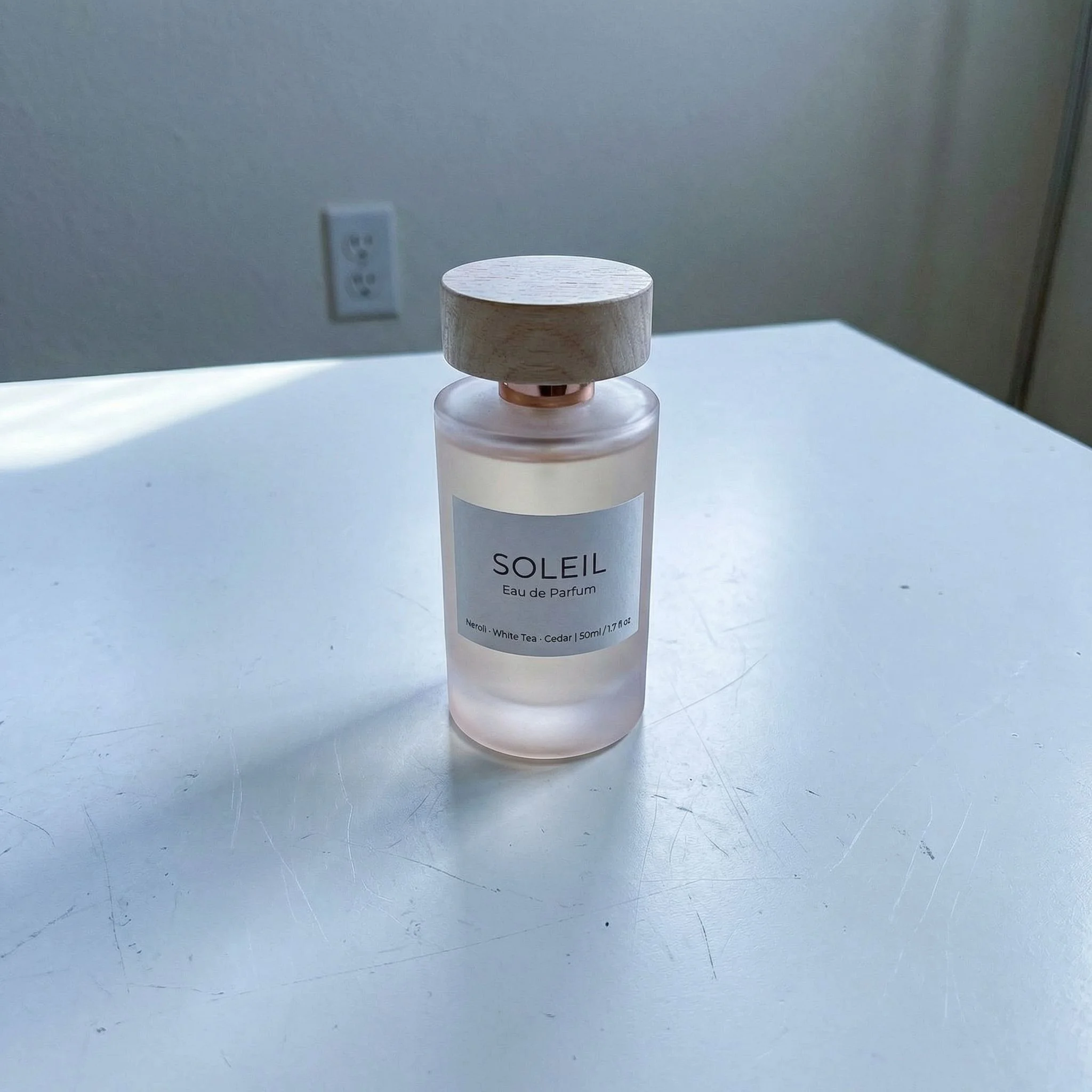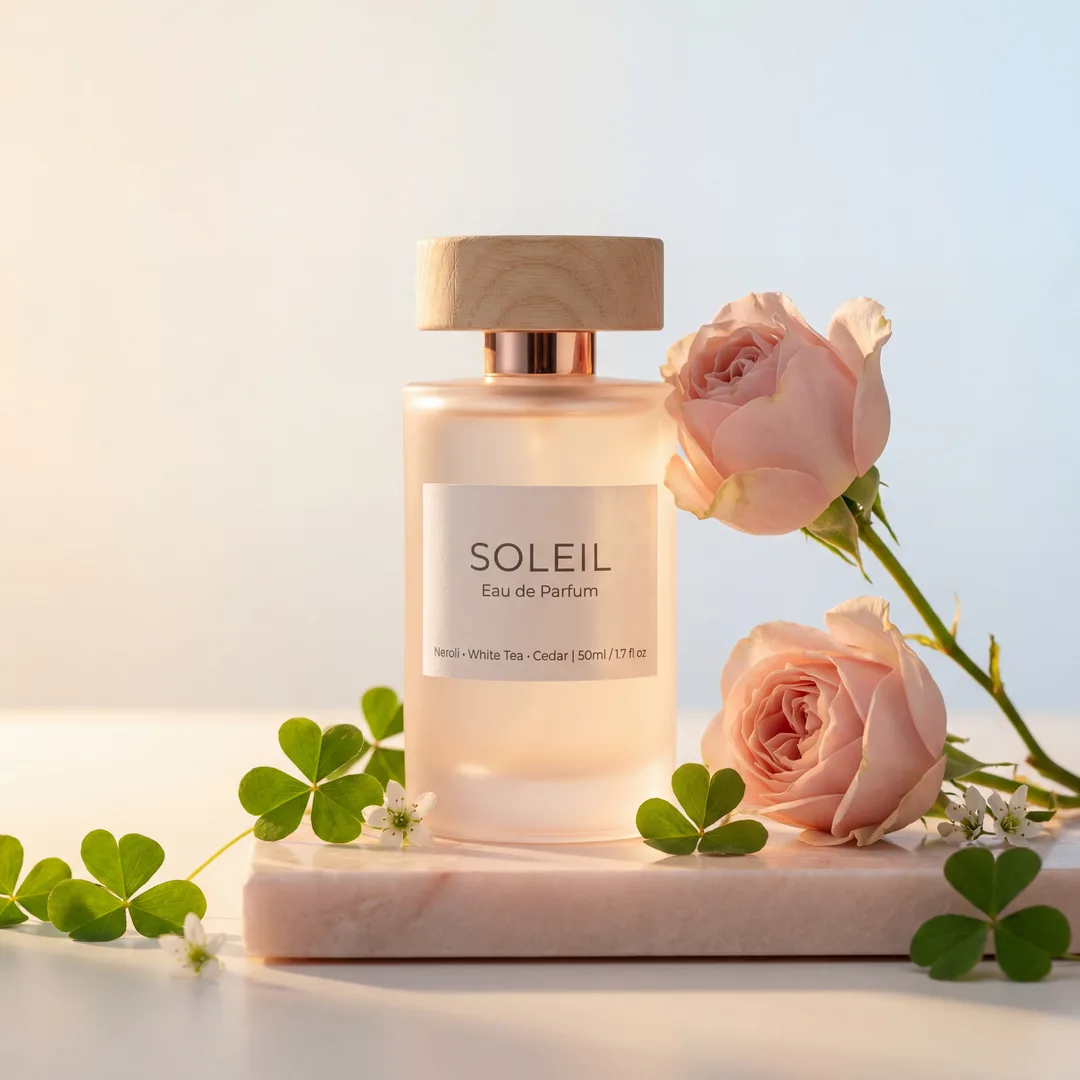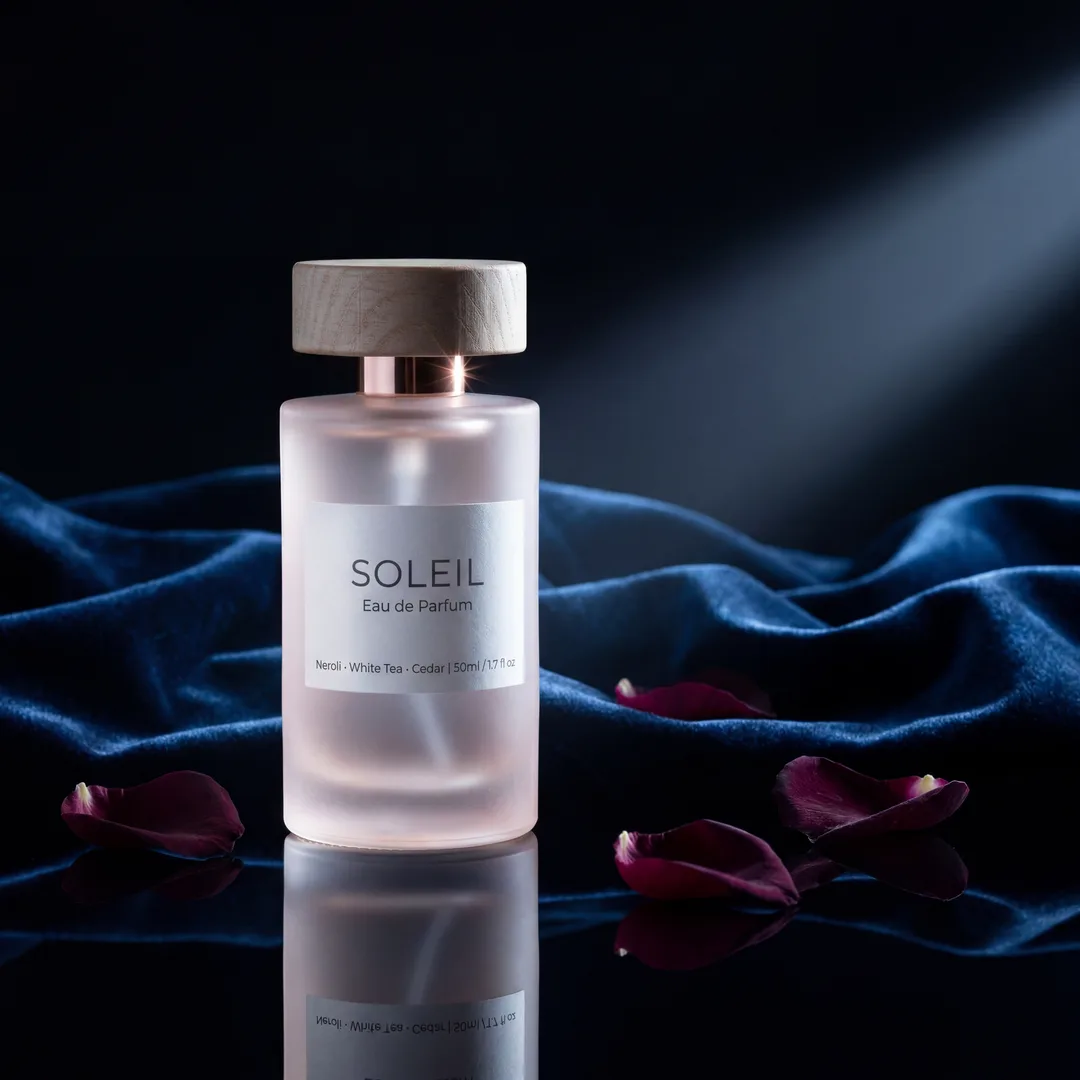

Mastering Etsy Product Photography: Your Ultimate Guide to High-Converting Listing Photos
Unlock Etsy sales with stunning product photography. Learn Etsy's image requirements, best practices for main & lifestyle shots, and how AI tools streamline the
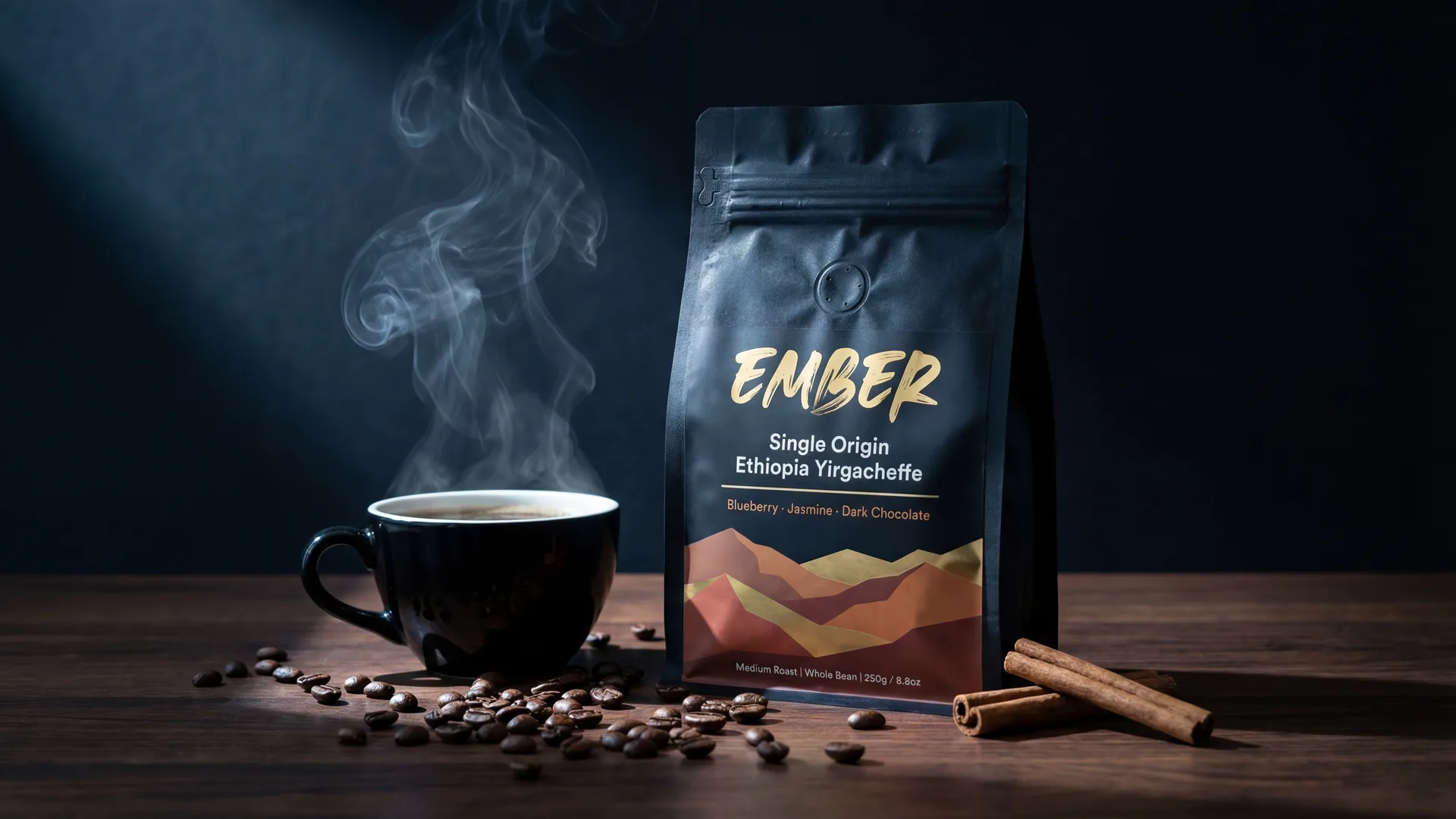
Etsy is more than just a marketplace; it's a visual feast where unique handcrafted items, vintage treasures, and creative supplies find their audience. In such a vibrant and competitive environment, your product images aren't just an accessory—they are the primary salesperson for your brand. They are the initial touchpoint, the silent pitch, and often, the deciding factor in whether a browser becomes a buyer.
For Etsy sellers, understanding and implementing effective product photography isn't optional; it's fundamental to success. This comprehensive guide will walk you through Etsy's specific image requirements, expose common pitfalls, and equip you with best practices to make your listings shine, ultimately driving more sales and improving your shop's visibility.
Why Image Quality Reigns Supreme on Etsy
In a marketplace built on aesthetics and individuality, the quality of your Etsy product photography directly correlates with your shop's performance. Think of your product images as your shop window – if it's dusty, dimly lit, or unappealing, customers will simply walk by.
Impact on Sales: First Impressions and Trust
- First Impressions are Everything: Shoppers scrolling through Etsy feeds make snap judgments. A blurry, poorly lit, or uninspiring photo can cause them to scroll past your unique item without a second glance. High-quality images, on the other hand, grab attention and invite closer inspection.
- Builds Trust and Perceived Value: Professional-looking photos convey professionalism and attention to detail. This builds trust with potential buyers, assuring them that if you put this much effort into your images, your product quality will match. It also elevates the perceived value of your items, making them seem more desirable and worth their price.
- Reduces Buyer Hesitation: Clear, detailed photos answer many common customer questions before they're even asked. They minimize ambiguity about size, texture, color, and functionality, reducing buyer hesitation and increasing conversion rates.
Impact on Rankings (Etsy SEO)
Etsy's search algorithm, like any other e-commerce platform, prioritizes listings that offer a good buyer experience. High-quality images contribute significantly to this:
- Engagement Signals: Listings with attractive photos tend to get more clicks, longer viewing times, and higher conversion rates. These positive engagement signals tell Etsy that your listing is relevant and appealing, potentially boosting its visibility in search results.
- Lower Bounce Rates: When shoppers land on a listing with clear, comprehensive images, they are more likely to stay, explore other photos, and read the description, rather than immediately clicking away. Lower bounce rates are another positive signal for Etsy's algorithm.
- Better Conversion Rates: Ultimately, Etsy wants buyers to make purchases. Listings that convert well (i.e., turn views into sales) are favored by the algorithm. Great photography is a cornerstone of high conversion rates.
Etsy's Specific Image Requirements: The Technical Details
Adhering to Etsy's technical specifications for images is crucial. Not only does it ensure your photos display correctly, but it also optimizes load times and overall user experience.
General Guidelines for All Images
- Minimum/Recommended Dimensions: For optimal display on all devices, Etsy recommends uploading images that are at least 2000px on the shortest side. The ideal aspect ratio for listing photos is 4:3 (width:height), which is best for search results and shop homepages. While you can use other ratios, a 4:3 or square (1:1) is generally safest to prevent cropping issues.
- Accepted Formats: Etsy accepts JPG, PNG, and GIF files. JPG is usually preferred for its balance of quality and file size, especially for photographic content.
- File Size: Keep individual image files under 10MB. Larger files will be compressed by Etsy, which can sometimes degrade quality. Aim for high resolution but optimize file size.
- Resolution: While not explicitly stated beyond dimension recommendations, a resolution of at least 72 PPI (pixels per inch) is standard for web, but higher is always better for zoom features, ensuring crisp details when buyers magnify your images.
Listing Photos (Up to 10 Images per Listing)
Etsy allows you to upload up to 10 photos per listing, each serving a distinct purpose. Use them all!
- Main Listing Image (Thumbnail): This is your most critical photo. It's the first one potential buyers see in search results, on your shop page, and in category listings.
- Focus: Your product should be clearly centered and occupy at least 80% of the frame.
- Background: Often, a clean, white, or neutral background works best to highlight the product without distraction.
- No Watermarks/Text: Avoid watermarks, borders, or superimposed text on your main image. Etsy penalizes listings for this, and it detracts from the product itself.
- Clarity: Ensure it's sharp, well-lit, and shows the product in its best light.
- Secondary Images: These photos provide additional context and details, building a complete picture of your product.
- Show different angles, close-ups of texture or craftsmanship, the item in use, scale comparisons, packaging, and available variations.
Common Mistakes Etsy Sellers Make with Product Images
Even with the best intentions, sellers often fall into common traps that can hinder sales. Recognizing these can help you avoid them:
- Poor Lighting: Harsh shadows, yellow casts from indoor lighting, or overexposed areas that wash out details are instant turn-offs. Natural, diffused light is almost always best.
- Cluttered or Distracting Backgrounds: Your product is the star. A busy background with unrelated items or a messy environment steals attention and makes your product seem less professional.
- Low Resolution or Blurry Photos: Pixelated, out-of-focus images suggest carelessness and make it impossible for buyers to appreciate your product's details.
- Inconsistent Styling/Branding: If every listing looks like it came from a different shop, you lose brand recognition. Consistency in lighting, mood, and editing helps build a cohesive brand identity.
- Too Few Images or Repetitive Angles: Using only one or two photos, or ten photos that all show the same view, leaves buyers with unanswered questions and a lack of confidence.
- Watermarks or Text on Main Image: As mentioned, Etsy dislikes this for main images, and it looks unprofessional. Save infographics for secondary images.
- Not Showing Scale or Context: A beautiful vase looks great, but without something to compare it to (like a hand or a common object), buyers can't gauge its actual size.
Best Practices for High-Converting Etsy Listing Photos
Moving beyond compliance, these best practices will help your Etsy listing photos convert browsers into loyal customers.
The Power of the Main Image
Your main image is your hook. It needs to be irresistible.
- Clear, Well-Lit, Professional: This is non-negotiable. Use ample, soft, even lighting. A light box or natural window light can work wonders.
- Product Front and Center: Your item should dominate the frame. Crop tightly but tastefully, ensuring the entire product is visible.
- White or Neutral Background: While not a strict rule, a clean white, light gray, or simple textured background helps the product pop and provides a professional, consistent look across your shop.
- High Resolution for Zoom: Ensure the image is large enough for Etsy's zoom function. Buyers love to inspect details.
Maximizing Secondary/Lifestyle Images
This is where you tell your product's story and address buyer questions. Utilize all 9-10 available slots.
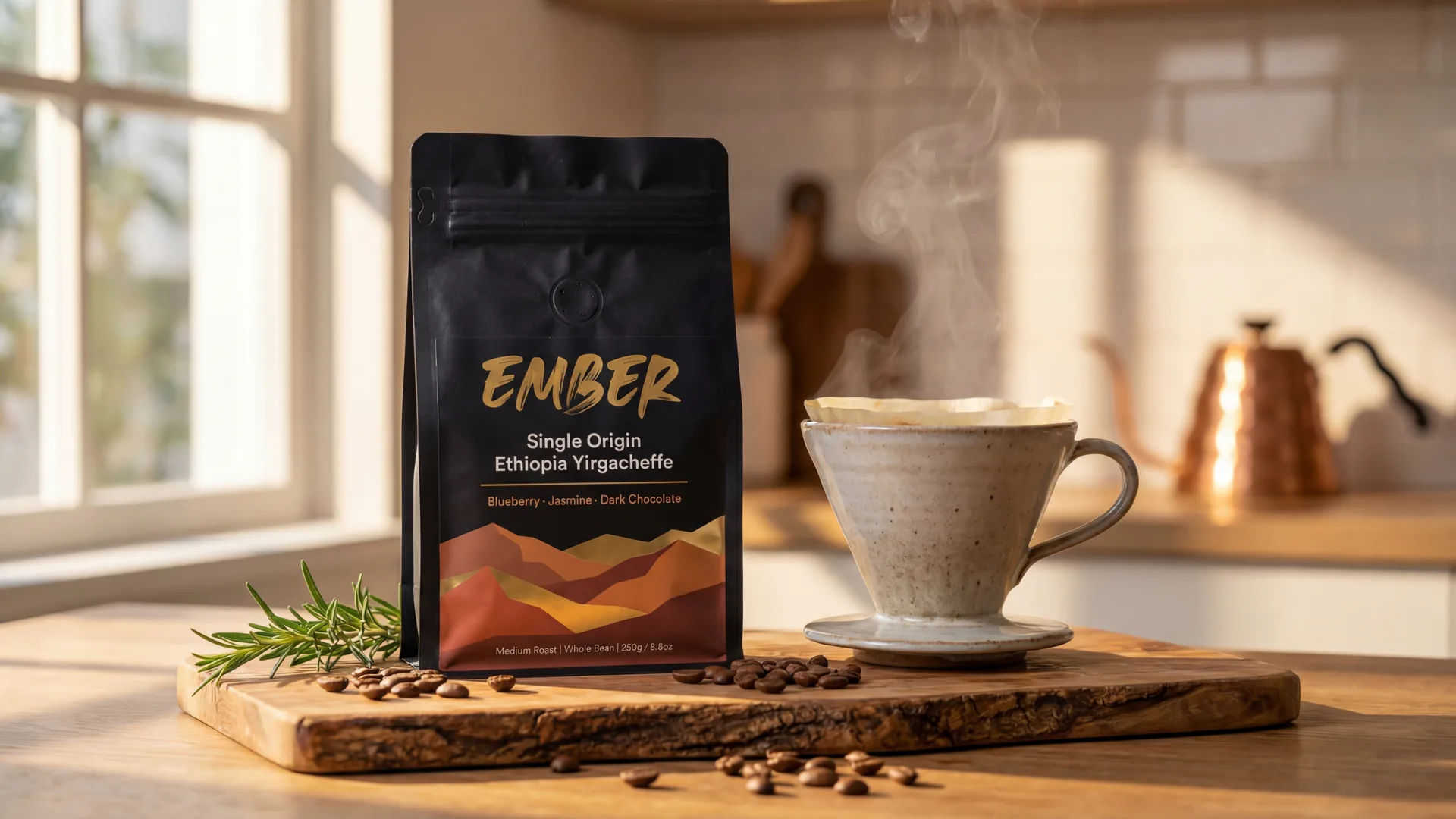
- Context & Scale: Show your product in a real-world setting. A necklace on a mannequin or model, a print on a wall, a mug being held. Include common objects for scale (e.g., a ruler, a coin, a hand).
- Details & Textures: Provide extreme close-ups of craftsmanship, unique textures, stitching, engraving, or specific materials. This justifies your pricing and highlights quality.
- In-Use Shots: Demonstrate the product's function. A planner being written in, a piece of jewelry being worn, a home decor item styled in a room. Help buyers envision owning and using the product.
- Packaging & Unboxing: If your packaging is part of the experience, show it! Beautifully wrapped items convey care and make for great gifts.
- Group Shots & Variations: If you offer sets or variations (colors, sizes, styles), show them together in one photo. Clearly label or indicate options.
- Infographics/Text Overlays (Secondary Images ONLY): Use these for size charts, material breakdowns, care instructions, color palettes, or key benefit bullet points. Crucially, these should never be your main listing image. Ensure text is legible and design is clean.
Leveraging AI Photography Tools for Etsy Success
Achieving consistent, high-quality product photography can be a significant time and resource drain for busy Etsy sellers. This is where AI photography tools are truly game-changing. They democratize access to professional-grade visuals, allowing sellers to compete with larger brands without needing expensive studios or hours of editing.
Tools like Photone AI are revolutionizing how sellers approach this by offering an AI-powered platform that transforms basic product images into professional lifestyle marketing photos. This means you can create a diverse array of compelling images quickly and efficiently, perfectly tailored for Etsy's visual demands.
How AI Photography Tools Help Sellers Meet Etsy's Standards Efficiently:
- Consistency Across Catalogs: AI ensures uniform lighting, mood, and composition across all your product photos, reinforcing your brand identity.
- Cost-Effective Lifestyle Shots: Generating lifestyle photos traditionally requires models, props, and professional photographers. ...


Image Requirements
| Type | Details |
|---|---|
| main_image | Clear, well-lit, product-focused (80%+ of frame), no watermarks or text overlays, neutral background often preferred. |
| secondary_images | Show different angles, close-ups, in-use shots, scale comparisons, packaging, variations. Infographics and text overlays are acceptable here. |
Frequently Asked Questions
What's the best aspect ratio for Etsy listing photos?+
Etsy recommends an aspect ratio of 4:3 (width:height) for listing photos, and a minimum of 2000px on the shortest side for optimal display across devices and in search results.
Can I use watermarks on my Etsy photos?+
While technically possible for secondary images, it's strongly advised not to use watermarks or text overlays on your main listing image. Etsy may penalize listings with watermarks in search, and they can detract from your product's appeal. For branding or important information, use a clear logo or text on your secondary images.
How many photos should I include in an Etsy listing?+
Etsy allows up to 10 photos per listing. It's highly recommended to use as many of these slots as possible to provide a comprehensive view of your product, covering different angles, close-ups, lifestyle shots, and details.
Are lifestyle photos really necessary for Etsy?+
Yes, lifestyle photos are incredibly important for Etsy. They help buyers visualize the product in context, understand its scale, and imagine how it would fit into their own lives. They boost engagement and conversion rates by telling a story beyond just the product itself.
What's the maximum file size for Etsy images?+
Each image file uploaded to Etsy should not exceed 10MB. While high resolution is good, large file sizes can slow down page loading, so optimize your images to be under this limit.
Do I need a professional photographer for my Etsy shop?+
While professional photography is excellent, it's not strictly necessary for every Etsy seller. With good lighting, a decent camera (even a smartphone), and AI tools like Photone AI, you can achieve professional-looking results efficiently and affordably, making high-quality photography accessible to all.
How can I make my product look bigger/smaller in photos for scale?+
To effectively show scale, include common objects next to your product (like a ruler, a coin, or a hand). Lifestyle photos also help, showing the product in use or placed in a recognizable environment. This visual comparison allows buyers to accurately gauge its size.