
Mastering Instagram Shopping: Your Ultimate Guide to High-Converting Product Photography
Unlock Instagram Shopping success with stunning product photography. Learn requirements, best practices, common mistakes, and how AI tools like Photone AI eleva
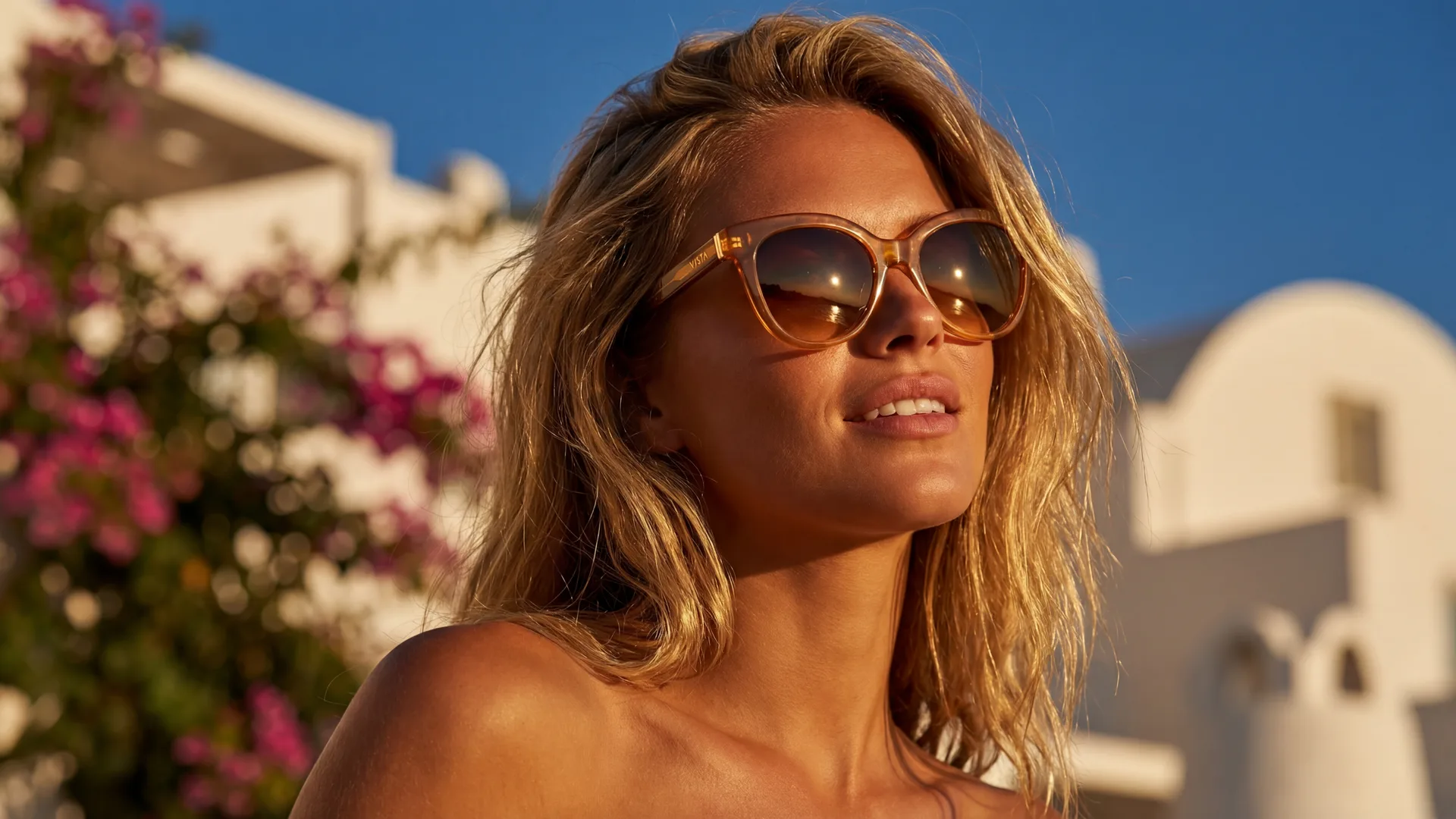
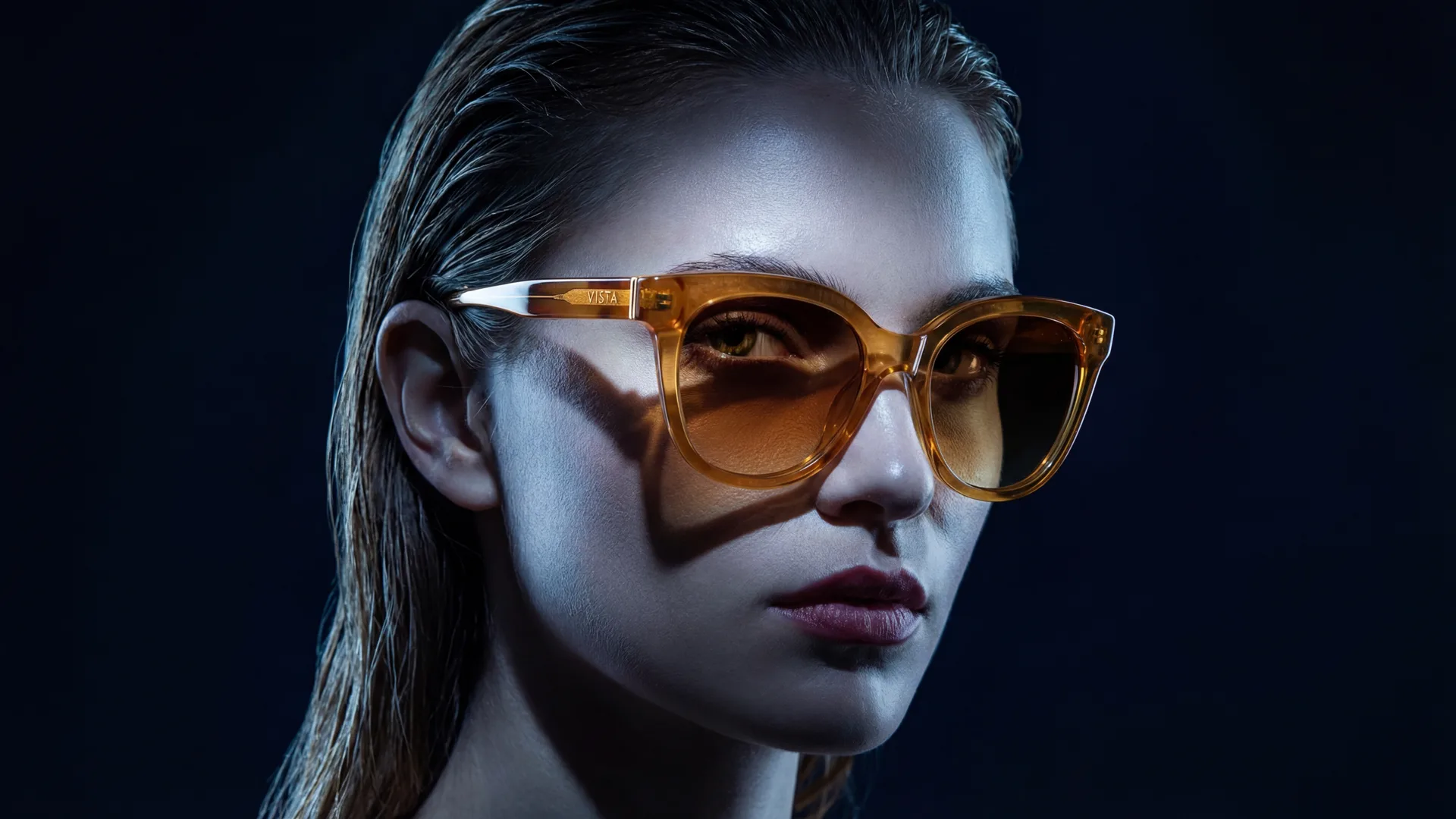
Instagram Shopping has revolutionized the way businesses connect with consumers, transforming the visual platform into a powerful e-commerce engine. With over a billion active users, Instagram provides an unparalleled opportunity to showcase products directly within the app, simplifying the path from discovery to purchase. However, standing out in this crowded marketplace isn't just about having great products; it's about presenting them flawlessly. Your product photography isn't merely a visual accompaniment—it's your digital storefront, your sales pitch, and your brand's first impression, all rolled into one.
In the visually driven world of Instagram, superior product photography isn't optional; it's essential for driving sales, building brand trust, and maximizing your reach. This comprehensive guide will walk you through the specific requirements and best practices for creating compelling product images that not only meet Instagram's standards but also convert browsers into buyers.
Instagram Shopping's Specific Image Requirements
To ensure your products are displayed optimally and approved for Instagram Shopping, adhering to the platform's technical specifications is crucial. Non-compliant images can lead to rejection or a poor user experience, directly impacting your sales potential.
Dimensions and Aspect Ratios
Instagram is highly flexible, supporting various image orientations, but consistency and clarity are paramount for shopping.
- Recommended (Square): 1080x1080 pixels (1:1 aspect ratio). This is the safest and most widely recommended dimension for product listings as it displays consistently across feeds, product pages, and shop sections without cropping.
- Portrait (Vertical): 1080x1350 pixels (4:5 aspect ratio). These images take up more screen real estate in the feed, making them excellent for lifestyle shots that tell a story.
- Landscape (Horizontal): 1080x566 pixels (1.91:1 aspect ratio). While supported, landscape photos occupy less vertical space and are generally less impactful for product showcases.
Always aim for high-resolution images. While Instagram resizes and compresses photos, starting with a sharp, high-res image ensures the best possible quality after compression.
File Format and Size
- Accepted Formats: JPEG (.jpg) and PNG (.png) are the preferred file formats. JPEG is generally better for photographs due to its efficient compression, while PNG is ideal for images with text or sharp lines.
- Maximum File Size: Images should not exceed 8MB. Larger files can lead to slower loading times, negatively impacting user experience and potentially ranking.
Background Rules
While Instagram itself is less stringent on backgrounds for general posts, for product images on your Instagram Shop, professionalism is key.
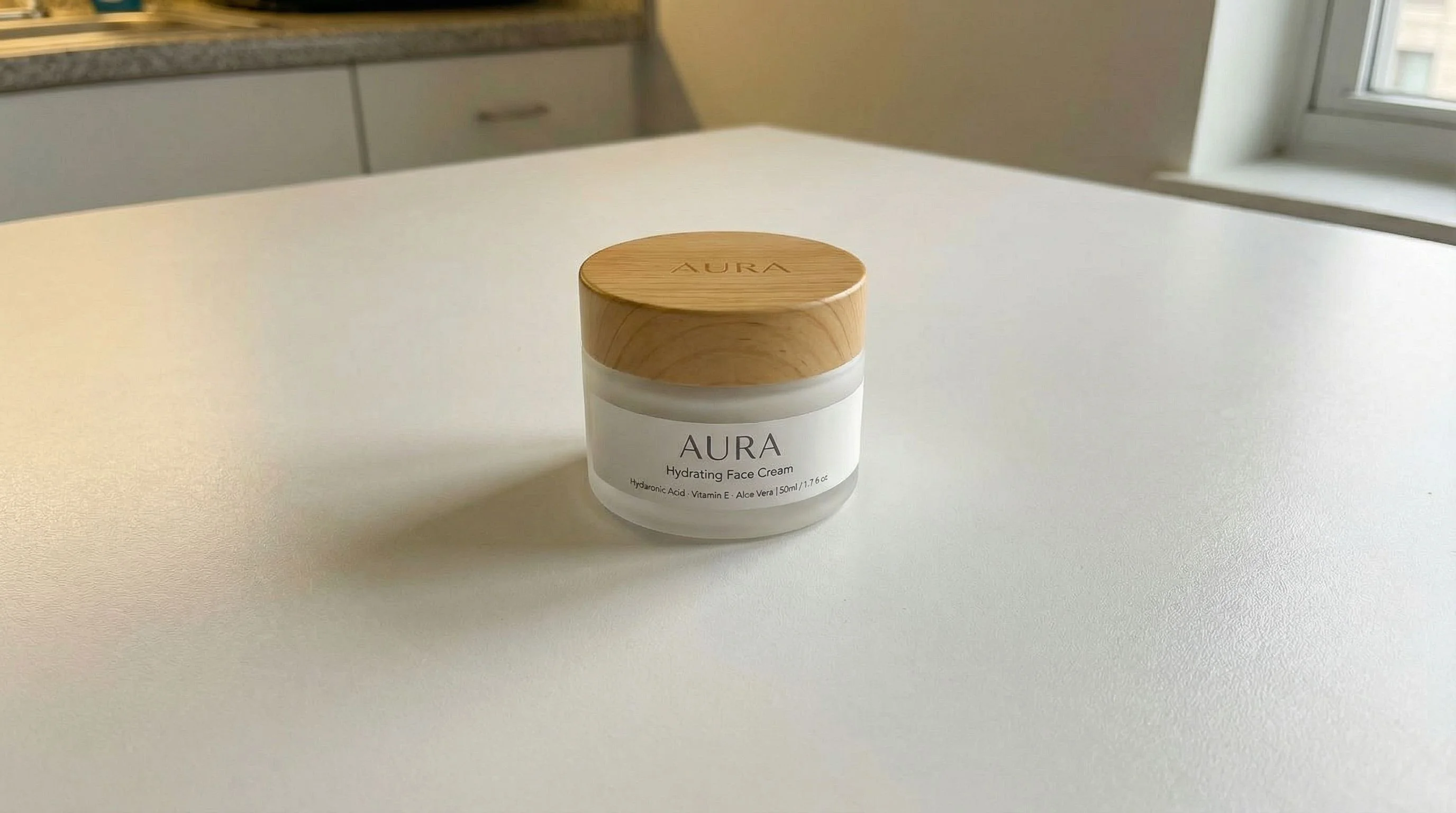
- Main Product Image: For your primary product photo, a clean, white, or neutral background is often recommended. This ensures the product is the undisputed focal point, clearly visible, and free from distractions. This is particularly important for catalog consistency.
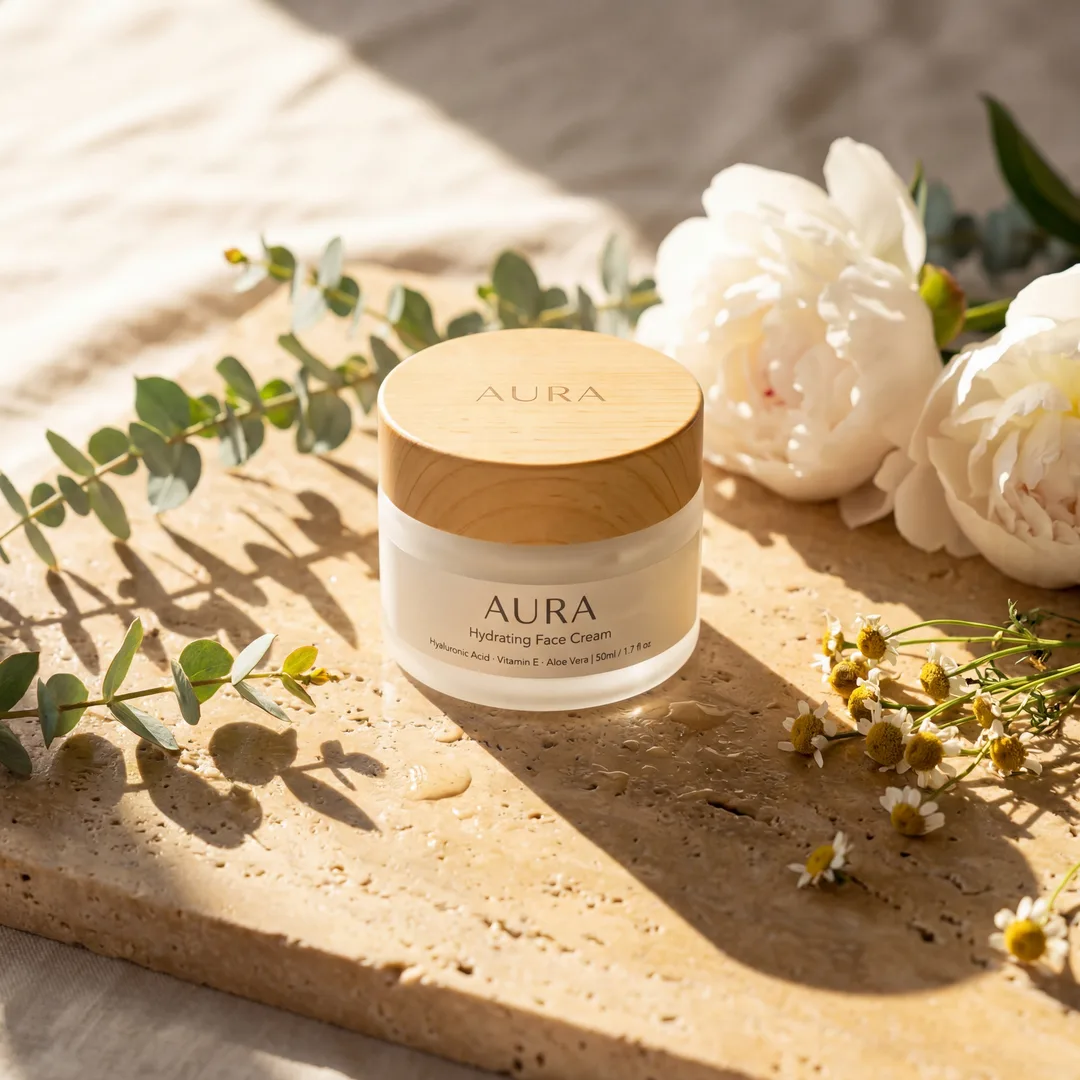
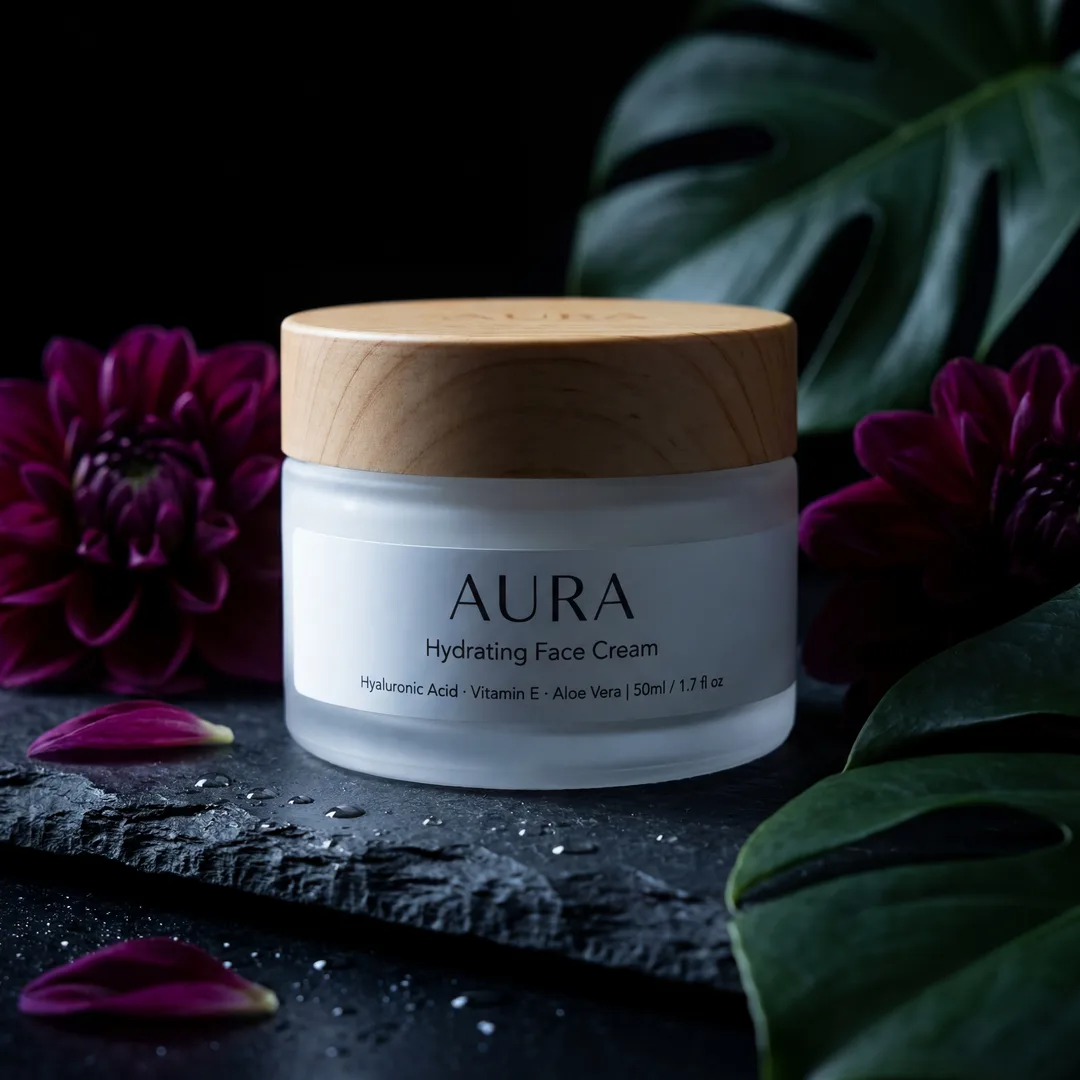
- Lifestyle & Secondary Images: These offer more flexibility. Contextual backgrounds that demonstrate the product's use, scale, or aesthetic are encouraged. Ensure these backgrounds enhance, rather than detract from, the product.
Product Presentation
- Clarity and Focus: The product must be clearly visible, in focus, and well-lit.
- Accuracy: The image should accurately represent the product's color, texture, and size. Misleading images lead to customer dissatisfaction and returns.
- Single Product Focus: For main product images, focus on one product per photo, especially if you want to tag that specific product. Group shots are fine for secondary images, but clearly identify the featured product.
- No Obscuring Elements: Avoid watermarks, excessive text overlays, or graphical elements that obscure the product.
Why Image Quality Directly Impacts Sales and Rankings
In a world where attention spans are fleeting, your product images are often the sole determinant of whether a potential customer stops scrolling or keeps moving. On Instagram Shopping, high-quality visuals are not just aesthetically pleasing; they are a direct driver of business success.
- First Impressions & Engagement: A crisp, professional image instantly grabs attention. Blurry, poorly lit, or unprofessional photos create a negative first impression, causing users to scroll past without a second thought. High-quality images encourage longer viewing times, likes, comments, and shares, signaling to Instagram's algorithm that your content is valuable.
- Building Trust and Credibility: Professional photography conveys trustworthiness. It signals that you are a legitimate business that cares about its products and customers. Conversely, shoddy images can erode trust, making potential buyers question the quality of your products and the reliability of your brand.
- Algorithm Favorability & Visibility: Instagram's algorithm prioritizes engaging content. Images that generate higher interaction (saves, shares, clicks to product pages) are more likely to be shown to a wider audience, boosting your visibility in feeds, Explore pages, and ultimately, your Instagram Shop's ranking.
- Reducing Purchase Friction: Clear, detailed images answer many customer questions before they even arise. When customers can clearly see the product from different angles, understand its scale, and visualize its use, they feel more confident in their purchase decision, leading to fewer abandoned carts and reduced returns.
Common Mistakes Sellers Make with Instagram Shopping Product Images
Even with the best products, common photography pitfalls can severely hinder your Instagram Shopping performance. Avoiding these mistakes is as crucial as implementing best practices.
- Low Resolution and Poor Lighting: This is arguably the biggest mistake. Pixelated, dark, or overly bright (blown out) images are unacceptable. They make products look cheap and unprofessional, obscuring details and creating a poor user experience.
- Inconsistent Visual Branding: A disjointed feed with wildly varying styles, lighting, or color palettes confuses customers and weakens your brand identity. Consistency across your product images helps build a recognizable and cohesive brand.
- Cluttered or Distracting Backgrounds: While lifestyle shots benefit from context, a background that draws attention away from the product is counterproductive. Ensure the product remains the star of every shot.
- Lack of Lifestyle and Contextual Shots: Only showing products on a plain background misses a huge opportunity. People want to see how a product fits into their lives. Without lifestyle shots, products can feel abstract and less desirable.
- Ignoring the Mobile-First Experience: Instagram is predominantly used on mobile devices. Images that look great on a desktop might be too busy or too small to decipher on a phone screen. Always review your images on a mobile device.
- Insufficient Variety: Showing only one angle or type of shot per product leaves customers wanting more. Provide a range of images that cover different perspectives, details, and uses.
Best Practices for Main Images vs. Secondary/Lifestyle Images
Optimizing your image strategy involves understanding the distinct roles of your primary and supplementary product photos. Each serves a unique purpose in the customer journey.
The Hero Shot: Main Product Images
The main product image is your storefront window. It's the first thing customers see, and it needs to make an immediate, positive impact.
- Crystal Clear Product Focus: The product should be perfectly in focus, well-lit, and occupying a significant portion of the frame.
- Clean, Uncluttered Background: For e-commerce listings, a pure white or neutral, solid background is often best. This eliminates distractions and highlights the product's form, color, and features. It also creates a cohesive look across your entire shop.
- Best Angle Presentation: Choose the angle that best showcases the product's overall design and key features. This is often a straightforward frontal or slightly angled shot.
- High Resolution and Detail: Ensure the image is sharp enough that customers can zoom in to see intricate details without pixelation.
- Consistency: Maintain a consistent style (lighting, angle, background) for all your main product images to build a strong brand aesthetic and a professional-looking shop.
Storytelling with Secondary and Lifestyle Images
Secondary images are where you bring your product to life. They provide context, demonstrate functionality, and evoke emotion.
- In-Context Use: Show the product being used by a model, placed in a relevant environment, or paired with complementary items. This helps customers visualize themselves with the product.
- Multiple Angles and Close-Ups: Provide various perspectives – front, back, sides, top, bottom. Include close-up shots of unique textures, intricate details, or specific features that highlight craftsmanship or innovation.
- Scale and Proportion: If your product's size isn't immediately obvious, show it next to a familiar object or a person to give a sense of scale.
- Highlighting Features and Benefits: Use secondary images to visually explain a product's advantages. For instance, if a bag has multiple compartments, show them. If a garment is reversible, show both sides.
- Emotion and Aspiration: Lifestyle shots can tap into desires and aspirations. What feeling does your product evoke? Joy, comfort, sophistication? Capture that emotion.
- User-Generated Content (UGC): Curate and reshare high-quality UGC (with permission!) to build social proof and demonstrate real-world appeal.
How AI Photography Tools Elevate Your Instagram Shopping Visuals
The demands of high-quality, diverse product photography can be a significant hurdle for many e-commerce sellers, especially smaller businesses. This is where AI-powered photography tools like Phot...


Image Requirements
| Type | Details |
|---|---|
| main_image | Clear product focus, high resolution, white/neutral background recommended, professional quality, no obscuring elements. |
| secondary_images | Show product in use, different angles, close-ups, lifestyle context, demonstrate scale and features, high resolution. |
Frequently Asked Questions
What's the best aspect ratio for Instagram Shopping product images?+
The recommended aspect ratio for main product images on Instagram Shopping is 1:1 (square), typically 1080x1080 pixels, as it displays consistently across various parts of the app without cropping. However, Instagram also supports 4:5 (portrait) and 1.91:1 (landscape) for secondary and lifestyle images in the feed.
Do I always need a white background for my product photos?+
For your primary product image on an Instagram Shopping product detail page, a clean white or neutral background is highly recommended. This ensures clarity and consistency. For secondary and lifestyle images, contextual backgrounds that show the product in use are encouraged, as long as they enhance and don't distract from the product.
How many images should I include for each product on Instagram Shopping?+
While Instagram allows up to 10 images per product, it's best practice to include at least 3-5 high-quality images. This should include one clear main image (hero shot) and several secondary/lifestyle images that showcase different angles, details, features, and the product in context.
Can I use my regular Instagram feed photos for Instagram Shopping?+
Yes, you can use your regular Instagram feed photos for Instagram Shopping, provided they meet the specific image requirements for product tags and listings (e.g., clear product focus, no excessive text overlays, appropriate resolution). For dedicated shop product pages, ensure they adhere to the professional quality and background standards.
What's the maximum file size for Instagram product images?+
The maximum file size for Instagram product images is 8MB. It's crucial to keep your files within this limit to ensure fast loading times and a smooth user experience. Both JPEG and PNG formats are accepted.
How can I ensure my product photos look good on mobile?+
Always design with a mobile-first mindset. Use high-resolution images, ensure products are clearly visible and well-lit, avoid excessively busy backgrounds, and check your images on a smartphone screen before uploading. Simple compositions often work best on smaller displays.
Is it okay to use images with text overlays on Instagram Shopping?+
While Instagram allows some text on images in general posts, for product images on your Instagram Shop, it's generally best to minimize or avoid excessive text overlays, watermarks, or graphical elements that obscure the product. The focus should be entirely on the product itself. Product information should be conveyed in the product description.