
Mercado Libre Product Photography: The Ultimate Guide for High-Converting Listings
Master Mercado Libre's product photography requirements and best practices. Learn how to create high-converting images that boost sales and rankings.
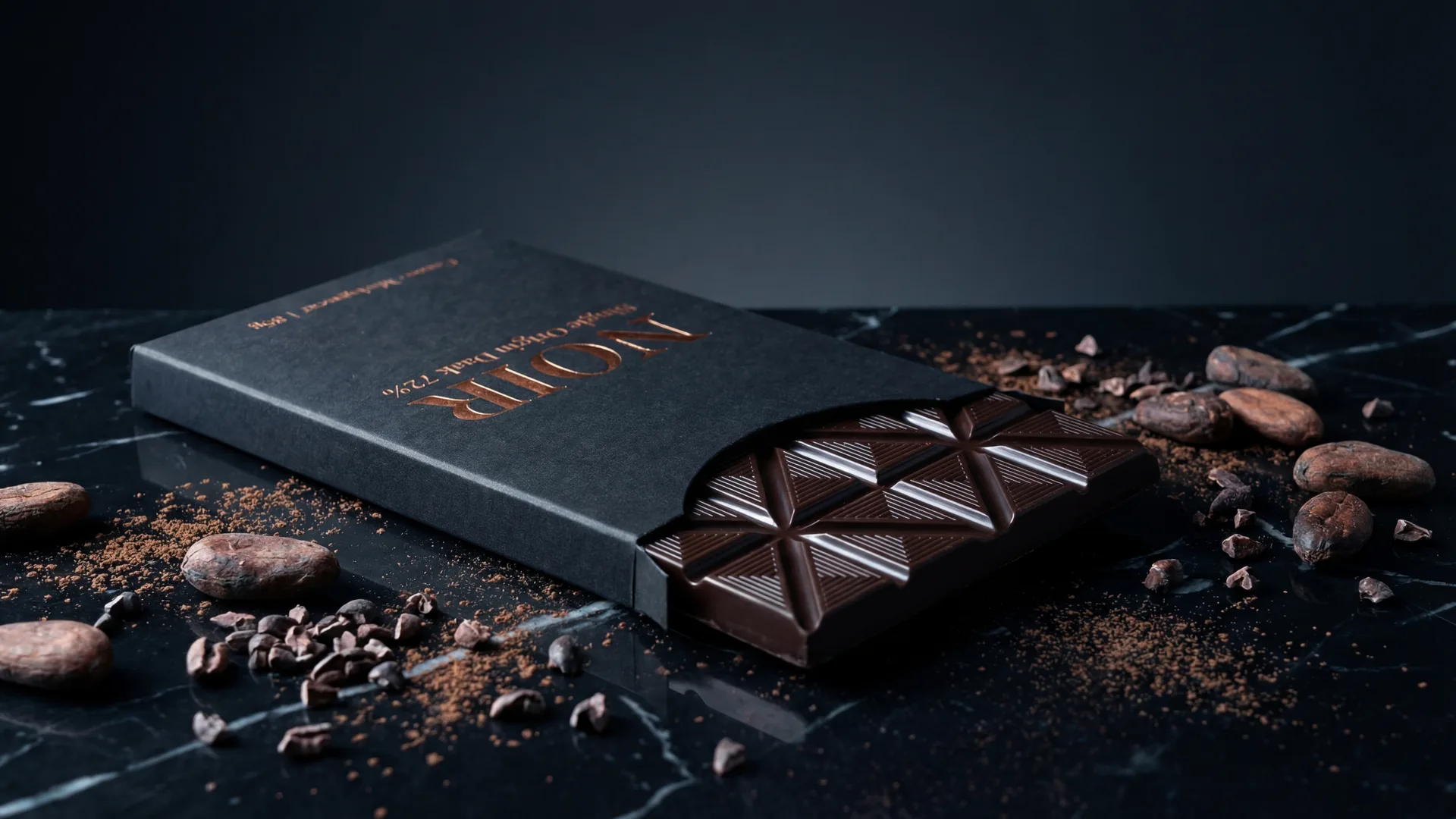
As an e-commerce marketplace giant across Latin America, Mercado Libre's visual standards are not just recommendations; they are critical drivers of success for sellers. In a crowded digital space, your product images are often the first—and sometimes only—interaction a potential buyer has with your offering. High-quality, compliant product photography doesn't just make your listing look good; it directly impacts your visibility, click-through rates, and ultimately, your sales performance.
This comprehensive guide is designed for Mercado Libre sellers looking to elevate their product photography game. We'll delve into the platform's specific requirements, explore the profound impact of image quality on your bottom line, uncover common pitfalls, and reveal best practices that will set your listings apart. We'll also explore how innovative AI-powered photography tools are transforming the way sellers create stunning, compliant visuals with unprecedented efficiency.
Mercado Libre's Product Image Requirements: The Foundation of Success
Adhering to Mercado Libre's technical and stylistic guidelines is non-negotiable. Failing to meet these standards can lead to listings being suppressed, poor visibility, or even removal. Understanding these foundational requirements is the first step towards creating successful listings.
Dimensions and Aspect Ratio
Mercado Libre prioritizes images that provide clarity and detail, especially given its zoom functionality. While a minimum size of 500x500 pixels is often cited, this is simply the bare minimum to prevent errors. For optimal display and to enable the zoom feature that shoppers rely on, aim for much larger images:
- Recommended Size: At least 1200x1200 pixels.
- Ideal Size: Up to 2000x2000 pixels is excellent for maximum detail and future-proofing.
- Aspect Ratio: Always maintain a 1:1 (square) aspect ratio. This ensures consistency across devices and prevents awkward cropping on the platform.
Accepted Formats and File Size
Compatibility and loading speed are crucial for a good user experience across varying internet speeds common in the region.
- Accepted Formats: JPG (or JPEG) and PNG. JPG is generally preferred for photographs due to its efficient compression, while PNG is better for images with transparency, though less common for product shots.
- File Size: Keep individual image file sizes manageable to ensure quick loading times. While there isn't a strict universal limit across all categories, aim for less than 10MB per image. Overly large files can slow down page loading, leading to a poor user experience and potential bounce rates.
Background Rules: The All-Important White
This is perhaps one of Mercado Libre's most critical and frequently misunderstood requirements, especially for the main product image.
- Main Image: Must feature a pure white background (RGB 255,255,255). This isn't just a suggestion; it's a strict rule. A pure white background helps the product stand out, creates visual consistency across the marketplace, and meets search engine optimization (SEO) standards for product imagery. The product itself should occupy 80-90% of the image frame, centered and well-lit.
- Secondary Images: While the main image demands a pure white background, secondary images offer more flexibility. These can feature lifestyle shots, detailed close-ups, or images demonstrating scale, all of which can have contextual or colored backgrounds, provided they are professional and relevant.
Watermarks, Logos, and Text Overlays
Mercado Libre has a strict policy against anything that distracts from the product or resembles promotional material within the image itself.
- Forbidden Elements: No watermarks, logos, text overlays (including brand names, prices, or promotional messages), contact information, or other distracting graphics are allowed on any product image.
- Why? This ensures a clean, uniform shopping experience, prevents unfair advertising, and allows buyers to focus solely on the product.
Quantity and Order of Images
Providing sufficient visual information is key to buyer confidence.
- Minimum Quantity: Mercado Libre typically requires at least one image, but successful sellers understand this is insufficient.
- Recommended Quantity: Aim for a minimum of 6-10 images per product. This allows you to showcase the product from multiple angles, in different contexts, and highlight key features.
- Image Order: The first image is always your main product shot with the pure white background. Subsequent images should follow a logical flow, telling a visual story about the product.
Why High-Quality Images Drive Sales and Rankings on Mercado Libre
Beyond mere compliance, stellar product photography is a direct investment in your listing's performance and profitability. Its impact permeates every stage of the buyer's journey.
First Impressions and Trust
In the blink of an eye, a potential buyer makes a judgment about your product and your brand based on your images. Professional, high-quality photos convey trustworthiness, legitimacy, and attention to detail. Conversely, blurry, poorly lit, or unprofessional images can immediately deter a buyer, suggesting a lack of care or a potentially inferior product.
Improved Click-Through Rates (CTR)
In Mercado Libre's search results, your product image is your primary billboard. A compelling, clear, and attractive main image with a pure white background stands out amidst competitors. Listings with superior visuals are more likely to capture attention and earn that crucial click, directly boosting your CTR.
Enhanced Conversion Rates
Once a buyer clicks through, images continue to play a pivotal role. A comprehensive set of high-quality images that answer common questions, demonstrate features, and show the product in use can significantly increase the likelihood of a purchase. When buyers can clearly visualize what they're getting, their confidence grows, leading to higher conversion rates and fewer abandoned carts.
SEO and Visibility
Mercado Libre's algorithms, much like Google's, favor listings that provide a positive user experience. High-quality images contribute to this by improving engagement metrics (lower bounce rate, higher time on page) and reducing customer complaints. Listings with well-optimized, compliant images are often rewarded with better search rankings, leading to increased organic visibility and sales.
Reduced Returns and Customer Service Inquiries
Clear, accurate, and detailed images minimize misunderstandings about the product. If a buyer knows exactly what to expect from the photos, they are less likely to be disappointed upon arrival, reducing return rates and the associated costs and administrative burden. Furthermore, fewer questions about product features or appearance means less time spent on customer service.
Common Mistakes to Avoid with Mercado Libre Product Images
Even with the best intentions, sellers often fall into common traps that can significantly undermine their listing's effectiveness. Being aware of these pitfalls is the first step to avoiding them.
Poor Lighting and Resolution
- Mistake: Images that are too dark, too bright, or have harsh shadows, or are pixelated and low-resolution.
- Impact: Makes the product look cheap, hides details, and creates a perception of low quality. Low-resolution images prevent buyers from using the zoom feature, frustrating their ability to inspect the product.
Busy or Inconsistent Backgrounds
- Mistake: Using a main image with a colored, textured, or distracting background, or secondary images with inconsistent backdrops that clash with each other.
- Impact: Directly violates Mercado Libre's main image policy (leading to penalties), distracts from the product, and makes your brand appear unprofessional. Inconsistency across images can confuse buyers.
Unflattering Angles and Cropping
- Mistake: Showing only one side of the product, cutting off parts of the product, or using angles that don't accurately represent its shape or features.
- Impact: Leaves buyers with unanswered questions, making them less likely to purchase. Poor cropping can make a product look awkward or smaller/larger than it is.
Lack of Variety
- Mistake: Uploading multiple images that are nearly identical, showing the product from only one or two angles, or failing to include lifestyle, detail, or scale shots.
- Impact: Fails to provide a comprehensive view of the product, leaving buyers guessing about its size, functionality, or look in real-world settings.
Ignoring Mobile Optimization
- Mistake: Creating images that look great on a desktop but are difficult to see or understand on a small smartphone screen.
- Impact: Given that a significant portion of Mercado Libre traffic comes from mobile devices, unoptimized images lead to a poor mobile experience, frustrating potential buyers and causing them to abandon your listing.
Best Practices for Mercado Libre Product Photography
Moving beyond compliance, these best practices will help you not just meet standards but exceed expectations, transforming your listings into high-converting powerhouses.
The Power of the Main Image: Your Product's Hero Shot
The main image is your listing's storefront. It must be impeccable:
- Pure White Background: As reiterated, this is non-negotiable (RGB 255,255,255).
- Product Prominence: The product should fill 80-90% of the frame, well-centered, and in sharp focus.
- High Resolution: Use an image of at least 1200x1200 pixels to enable zoom.
- Best Angle: Choose an angle that best represents the product and entices the buyer. Avoid packaging in the main shot unless the product is the packaging.
Secondary Images: Telling the Full Story
Once the main image hooks them, your secondary images seal the deal. Use these to answer questions, build desire, and provide context.
- Lifestyle Shots: Context and Aspiration: Show your product in a natural, real-world setting. How is...
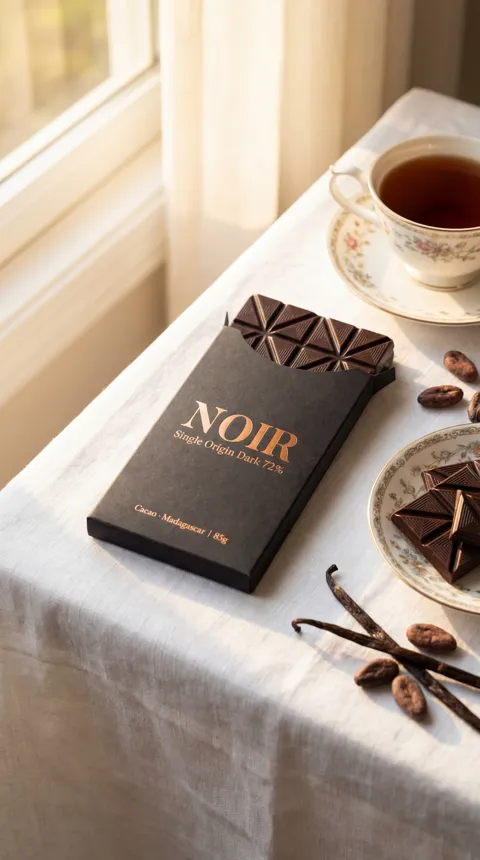
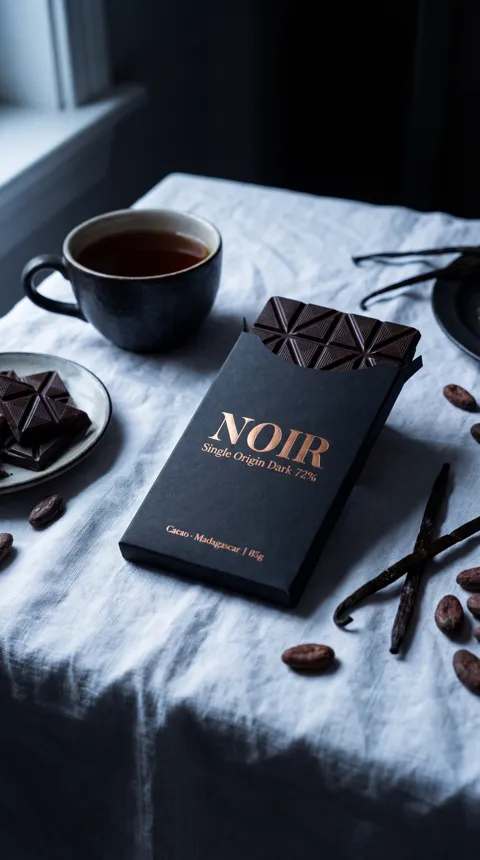
Image Requirements
| Type | Details |
|---|---|
| main_image | Pure white background (RGB 255,255,255), product occupies 80-90% of frame, no text/watermarks/logos/promotional overlays. |
| secondary_images | Can include lifestyle shots, detail close-ups, scale images, packaging. Contextual or colored backgrounds are allowed, but must be professional and relevant. No text/watermarks/logos/promotional overlays. |
Frequently Asked Questions
What are the strict rules for Mercado Libre's main product image?+
The main product image on Mercado Libre must have a pure white background (RGB 255,255,255), be at least 1200x1200 pixels (1:1 aspect ratio), and feature the product clearly occupying 80-90% of the frame. No watermarks, logos, text, or promotional overlays are allowed.
Can I use lifestyle photos on Mercado Libre?+
Yes, lifestyle photos are highly recommended for secondary images. They help buyers visualize the product in use, its scale, and its benefits. However, your very first image (the main image) must still adhere to the pure white background rule.
Why is image resolution important for Mercado Libre?+
High-resolution images (at least 1200x1200px) are crucial for Mercado Libre's zoom feature, allowing buyers to inspect product details closely. This builds trust, reduces uncertainty, and enhances the overall shopping experience, leading to higher conversion rates.
How many images should I upload for each product on Mercado Libre?+
While Mercado Libre allows a minimum of one, it's strongly recommended to upload at least 6-10 high-quality images. This allows you to showcase the product from multiple angles, highlight features, and provide lifestyle context, addressing potential buyer questions.
Can AI tools like Photone AI help me with Mercado Libre product photography?+
Absolutely. AI tools can automate background removal, generate realistic lifestyle scenes from a single product photo or URL, ensure consistent branding, and produce high-quality, compliant images quickly and affordably, helping sellers meet Mercado Libre's demanding standards efficiently.
What is 'Brand DNA extraction' in AI photography?+
Brand DNA extraction, as offered by platforms like Photone AI, is an AI capability that analyzes a brand's existing visual identity (colors, lighting, style, mood) from its current product images. It then uses this understanding to generate new images that consistently match that established aesthetic, ensuring a cohesive look across all product listings.
What happens if my images don't meet Mercado Libre's requirements?+
If your images don't meet Mercado Libre's requirements, your listing may be suppressed, receive lower visibility in search results, or even be removed. Non-compliant images also deter buyers, leading to lower click-through rates and conversion rates.