
Unlock Sales: The Definitive Guide to Pinterest Shopping Product Photography
Master Pinterest Shopping with expert tips on product photography. Learn image requirements, best practices for main vs. lifestyle pins, and how AI tools boost
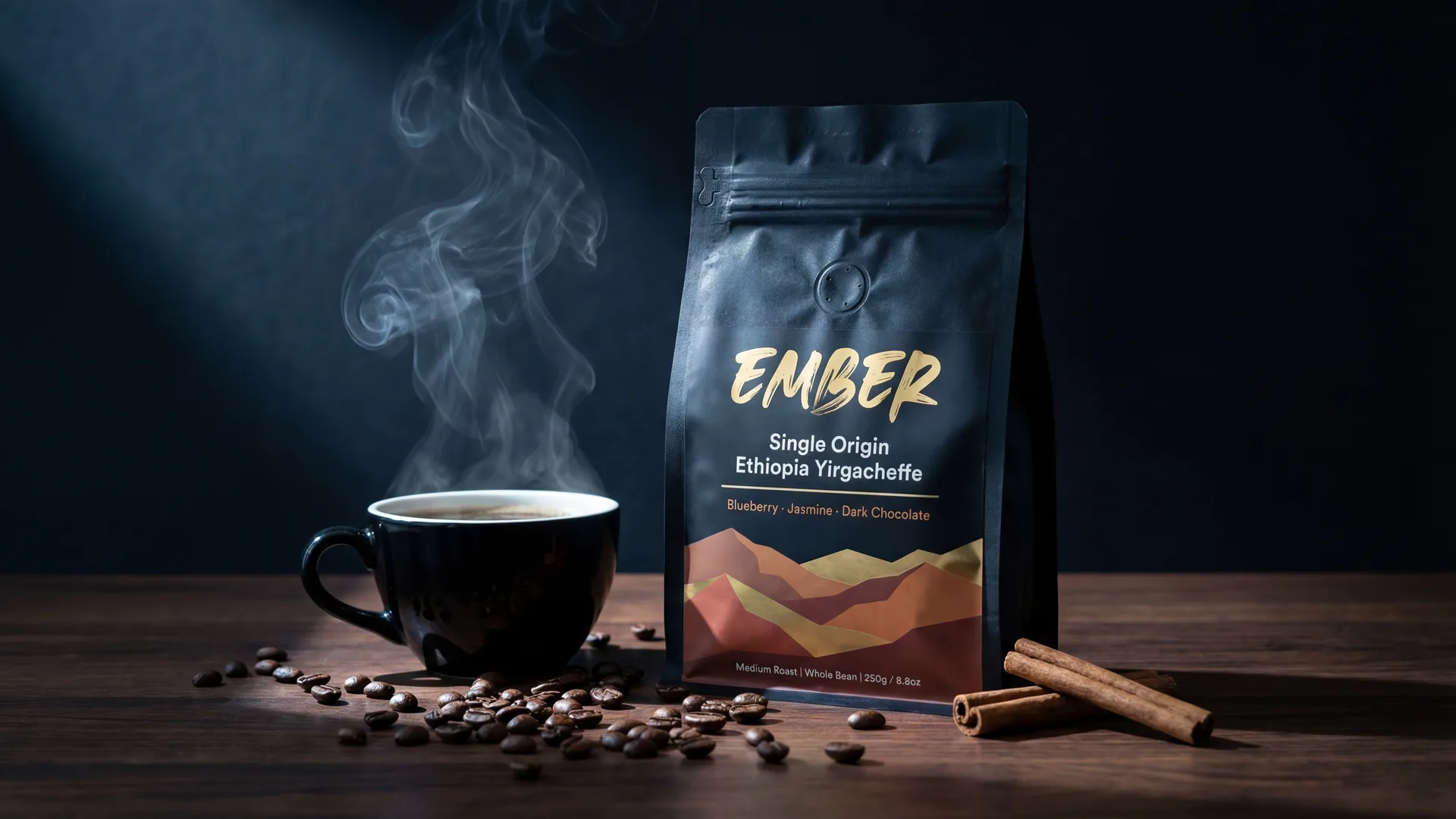
Mastering Pinterest Shopping: Your Definitive Guide to High-Converting Product Photography
In the dynamic world of e-commerce, visuals reign supreme, and nowhere is this more evident than on Pinterest. For sellers leveraging Pinterest Shopping, stellar product photography isn't just a nicety; it's the bedrock of discoverability, engagement, and ultimately, sales. This guide will walk you through the essential requirements, common pitfalls, and best practices to ensure your products shine on this powerful visual search engine.
Why Visuals are Paramount on Pinterest Shopping
Pinterest isn't just a social media platform; it's a visual discovery engine and a robust shopping destination. Users come to Pinterest with intent – to find inspiration, plan purchases, and discover new products. High-quality, engaging product images are the first, and often only, chance you have to capture a Pinner's attention. A stunning image can stop a scroll, ignite desire, and drive a click, transforming a casual browser into a committed customer. Poor quality or non-compliant images, however, can lead to your products being overlooked, de-prioritized by Pinterest’s algorithm, and ultimately, lost in the vast marketplace.
Pinterest Shopping Image Requirements: The Technical Essentials
Adhering to Pinterest's technical specifications is the crucial first step to ensuring your product pins are visible and perform optimally. These aren't just suggestions; they are rules that impact how your content is displayed and discovered.
Recommended Dimensions and Aspect Ratio
Pinterest strongly favors vertical images, specifically a 2:3 aspect ratio.
- Ideal Dimensions: 1000px wide x 1500px tall. This size provides optimal clarity without excessive file size.
- Minimum Width: Pins must be at least 600px wide. While you can upload wider images, Pinterest will scale them down, and anything with a shorter height-to-width ratio than 2:3 will be cropped, potentially losing crucial visual information. Avoid square (1:1) or horizontal (wider than 2:3) images as main product pins for optimal visibility, as they take up less screen real estate.
Accepted Formats
- JPEG (.jpg): This is the most common and widely accepted format, offering good compression for web use without significant loss of quality.
- PNG (.png): Ideal for images requiring transparency, though generally results in larger file sizes. For standard product photos, JPEG is usually sufficient.
File Size Limits
- Maximum File Size: 20MB. Keep your images within this limit to ensure they load quickly, providing a seamless user experience. Large files can lead to slow loading times, causing users to bounce.
Background Rules for Product Pins
Pinterest's product pin guidelines emphasize clarity and professionalism.
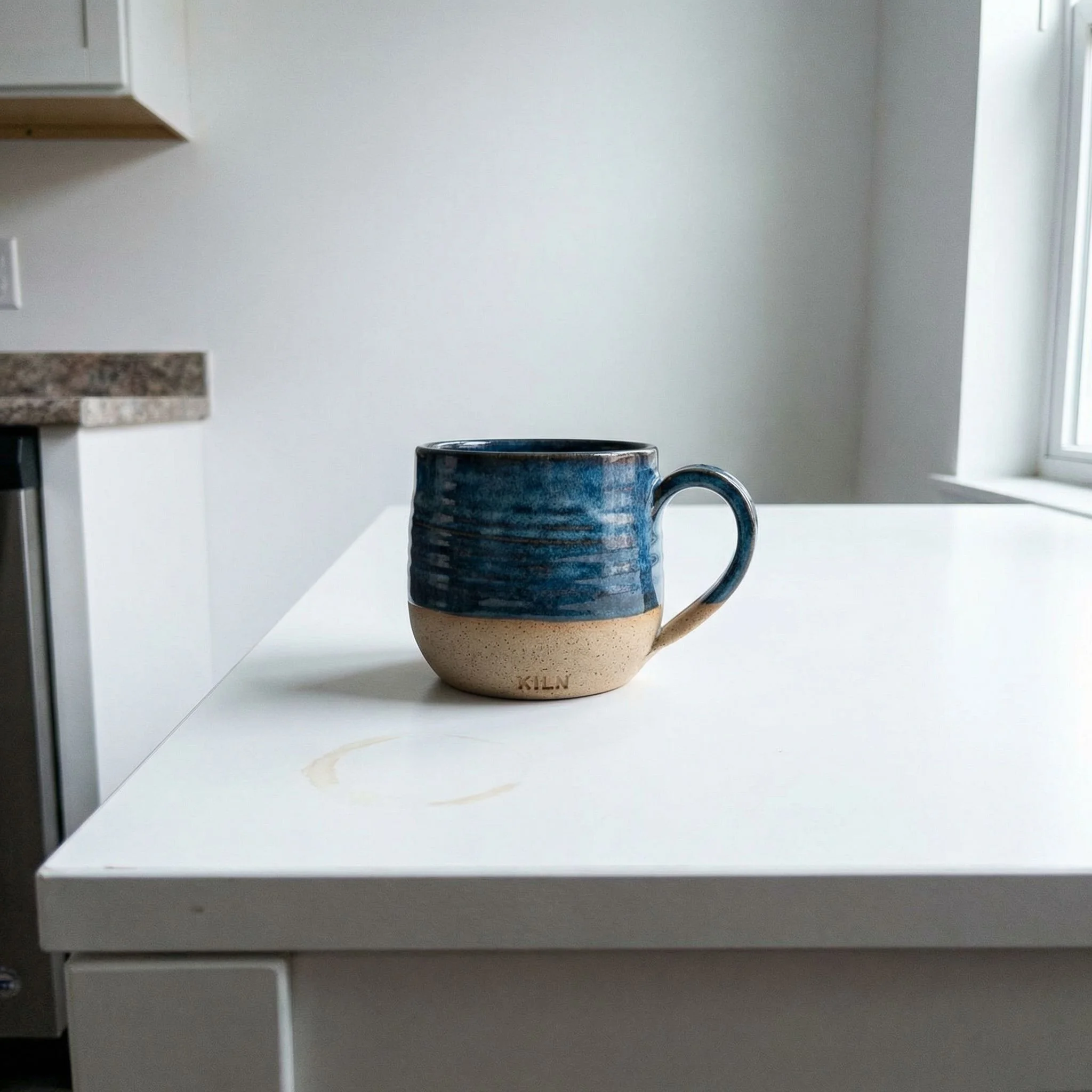
- Main Product Image: For your primary product image, a clean, uncluttered background is essential. White or off-white backgrounds are highly recommended as they highlight the product itself, minimize distractions, and often meet the requirements for inclusion in Pinterest's "Shop the Look" pins and shopping ads.
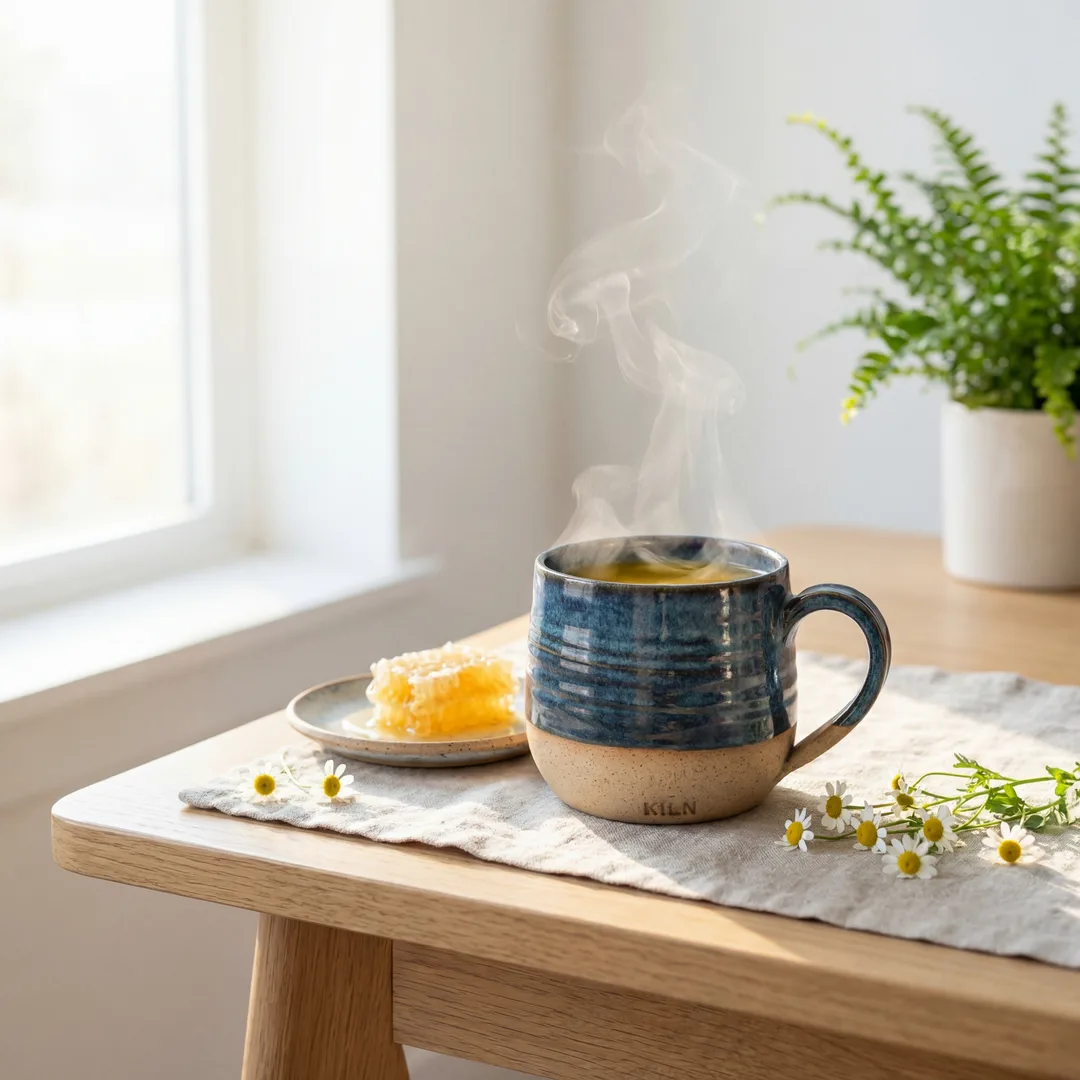
- Secondary/Lifestyle Images: While the main image demands a clean background, secondary and lifestyle images have more flexibility. They can feature contextual backgrounds, showing the product in use or in an aspirational setting. However, ensure the background still complements the product and doesn't overpower it.
Why Image Quality Directly Impacts Sales and Rankings
High-quality imagery isn't merely about aesthetics; it's a fundamental driver of business success on Pinterest.
Enhanced User Engagement
Sharp, well-lit, and professionally composed images naturally attract more attention. Users are more likely to save, click on, and share pins that are visually appealing. Higher engagement signals to Pinterest's algorithm that your content is valuable, leading to increased distribution and visibility.
Algorithm Preference and Discoverability
Pinterest's algorithm prioritizes high-quality content that provides a good user experience. Pins with crisp visuals, relevant aspect ratios, and clear product presentation are more likely to be featured in search results, home feeds, and "more like this" suggestions. Conversely, blurry, low-resolution, or non-compliant images may be deprioritized, severely limiting your product's reach.
Building Brand Trust and Credibility
Your product images are an extension of your brand. Professional photography communicates attention to detail, quality, and trustworthiness. Conversely, amateurish images can undermine confidence, making potential customers question the quality of your products and the legitimacy of your brand.
Common Product Image Mistakes to Avoid on Pinterest Shopping
Avoiding these common pitfalls can significantly improve your product pin performance:
- Low Resolution or Blurry Images: This is perhaps the most egregious error. Pixelated or out-of-focus images instantly convey unprofessionalism and deter engagement.
- Incorrect Aspect Ratios: Uploading square or horizontal images often results in awkward cropping by Pinterest, cutting off vital parts of your product or making the pin appear smaller and less impactful in the feed.
- Busy or Inconsistent Backgrounds: Distracting backgrounds detract from the product. Inconsistent backgrounds across your catalog can also make your brand appear less cohesive and professional.
- Over-Text or Logo Clutter: While minimal branding is acceptable, overwhelming images with large logos, watermarks, or excessive text overlays can look spammy and reduce visibility. Pinterest favors clear, product-focused visuals.
- Lack of Lifestyle Context: Relying solely on static product shots misses a huge opportunity on Pinterest. Users want to see how a product fits into their lives, how it’s used, and the benefits it offers.
Best Practices for High-Converting Pinterest Product Pins
To truly excel on Pinterest Shopping, you need a strategic approach to both your main product images and your supporting lifestyle visuals.
Main Product Images: Clarity is King
Your primary product image is your storefront's window on Pinterest. It needs to be impeccable.
- High-Resolution and Professional Lighting: Invest in clear, high-resolution images with even, flattering lighting. This is non-negotiable for showcasing product details and quality.
- Single Product Focus with a Clean Background: The main image should feature one product, clearly and prominently, against a clean, preferably white or off-white, background. This eliminates distractions and meets Pinterest's requirements for broad discoverability.
- Show Product from Multiple Angles: If your product has unique features or details, include additional main images (or close-ups within a lifestyle context) that showcase these. Ensure each image maintains the same high standard of clarity and background.
Secondary & Lifestyle Images: Inspire and Connect
This is where you tell your product's story and evoke emotion. Lifestyle images are crucial for helping Pinners visualize themselves using your product.
- Show Product in Use and Real-Life Settings: Instead of just a product on a pedestal, show a mug being used for a morning coffee, a dress worn by a model in a park, or a piece of furniture styled in a living room. This helps potential buyers imagine the product in their own lives.
- Highlight Benefits and Solve Problems: Use lifestyle images to visually communicate the advantages of your product. Does your backpack offer ample storage? Show it packed for an adventure. Is your skincare product designed for a glowing complexion? Capture that radiant look.
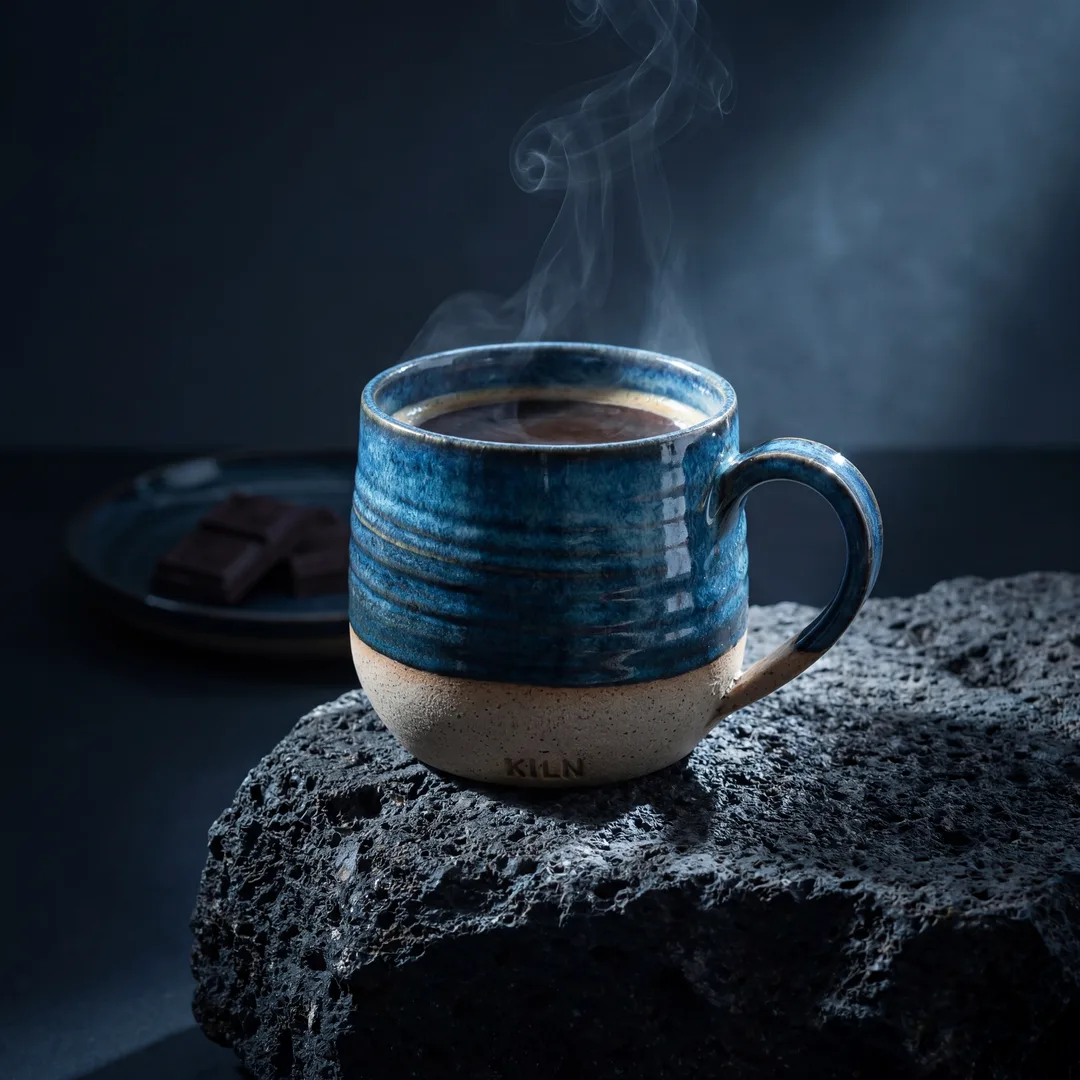
- Tell a Story and Evoke Emotion: Great lifestyle photography creates a narrative. It can be aspirational, cozy, adventurous, or practical, depending on your brand and product. Connect with your audience on an emotional level.
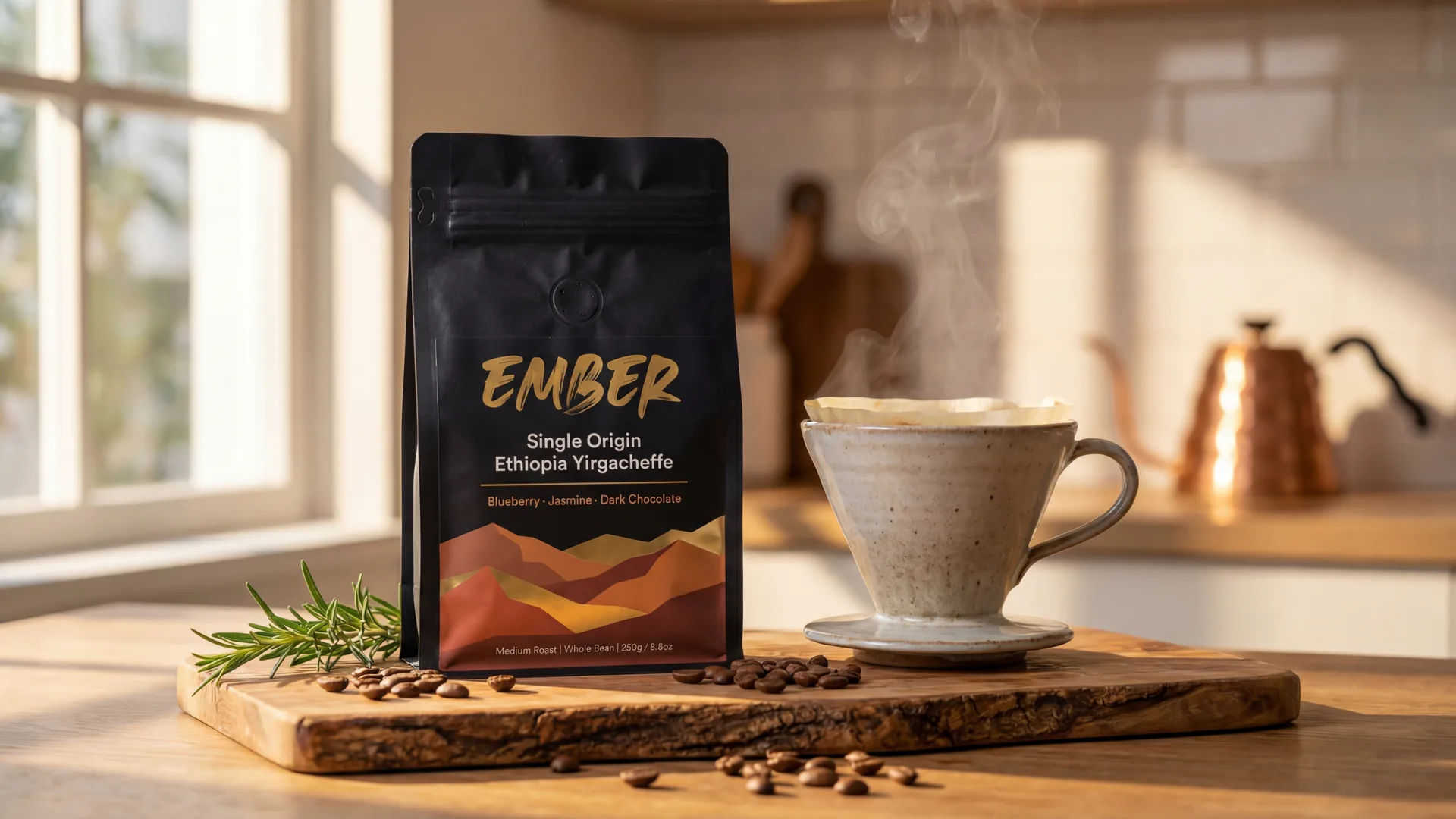
- Incorporate Brand Aesthetic: Your secondary images are a powerful tool for reinforcing your brand's identity. Use consistent color palettes, lighting, and composition that align with your overall brand DNA. This consistency builds recognition and trust. AI-powered tools like Photone AI are excellent for maintaining this consistency, allowing you to create "reusable styles" that encode specific moods, lighting, composition, and color palettes, ensuring every generated image aligns perfectly with your brand's visual identity.
- Vary Compositions and Perspectives: Don't just show the same setup from slightly different angles. Experiment with close-ups, wide shots, overhead views, and different styling elements to keep your pins fresh and engaging.
Leveraging AI Photography Tools for Pinterest Shopping Success
Traditional product photography can be a significant investment in time, money, and skill. This often presents a barrier for small businesses or those needing to scale their image creation. This is where AI photography tools offer a transformative solution.
Efficiency, Consistency, and Quality at Scale
AI platforms can generate high-quality, professional-grade product images at an unprecedented speed and scale. This means you can create a vast library of compliant and high-converting images for your entire catalog without needing a studio, models, or extensive editing. The ability to maintain visual consistency across hundreds or thousands of products, thanks to features like Photone AI's "scene templates," ensures your Pinterest shop looks polished and professional.
Overcoming Traditional Photography Hurdles
- Cost Savings: Eliminate expenses associated with photographers, models, props, and studio rentals.
- Time Savings: Generate images in minutes, not days or weeks. Photone AI's "URL-to-photo pipeline" can transform a product URL into multiple lifestyle photos in as little as 60 seconds.
- Skill Barrier Removal: AI democratizes access to professional-grade visuals, allowing anyone to create stunning images regardless of their photography expertise.
- Global Reach: With support for mul...


Image Requirements
| Type | Details |
|---|---|
| main_image | High-quality, single product focus, clean and uncluttered background (white/off-white preferred). |
| secondary_images | High-quality, show product in use/lifestyle context, tell a story, evoke emotion, consistent with brand aesthetic. |
Frequently Asked Questions
What's the optimal image size and aspect ratio for Pinterest Shopping?+
The optimal image size for Pinterest Shopping pins is 1000px wide by 1500px tall, which corresponds to a 2:3 aspect ratio. Pinterest strongly favors vertical images, as they take up more screen space and are more engaging in the feed.
Are lifestyle images really necessary, or can I just use clear product shots?+
Both are crucial. While clear, clean product shots (often with white backgrounds) are essential for main product pins, lifestyle images are vital for showing your product in context, inspiring users, and highlighting benefits. They significantly boost engagement and conversion by helping users visualize the product in their lives.
Can I use text overlays or brand logos on my Pinterest Shopping product pins?+
While minimal, tasteful branding (like a small, unobtrusive logo) can be acceptable on lifestyle images, Pinterest generally discourages excessive text overlays or large watermarks on product pins. The platform prioritizes clear, product-focused visuals. Overly promotional text can reduce visibility.
How do I ensure my product images look consistent across my Pinterest shop?+
Consistency in styling, lighting, color palette, and overall aesthetic is key to building a cohesive brand presence. Tools like Photone AI help by allowing you to define and reuse "styles" or generate images based on your "brand DNA," ensuring every image aligns with your visual identity without manual effort.
What impact does image quality have on my product's visibility on Pinterest?+
Image quality directly impacts visibility and discoverability. Pinterest's algorithm favors high-quality, engaging visuals. Low-resolution, blurry, or non-compliant images are less likely to be shown in search results, home feeds, or "Shop the Look" features, leading to lower engagement and fewer sales opportunities.
Is it permissible to use images generated by AI on Pinterest Shopping?+
Yes, using images generated by AI tools like Photone AI is permissible, provided they meet Pinterest's quality guidelines and technical requirements. AI photography offers an efficient way to produce high-quality, consistent, and compliant lifestyle and product images at scale.