
Mastering Shopify Product Photography: A Comprehensive Guide for E-commerce Success
Unlock higher sales and better rankings on Shopify with this expert guide to product photography. Learn requirements, best practices, and how AI tools can help.

As an e-commerce entrepreneur on Shopify, your product images aren't just pretty pictures; they are your most powerful sales tool. In the competitive digital marketplace, high-quality product photography is the silent salesperson that convinces customers to click 'Add to Cart.' This comprehensive guide will equip you with the knowledge to not only meet Shopify's technical requirements but also to create stunning visuals that elevate your brand, build trust, and ultimately, drive sales.
Shopify's Specific Image Requirements Decoded
Understanding Shopify's image guidelines is the foundational step to ensuring your products look their best and perform optimally on your store. Adhering to these specifications prevents issues like slow loading times, pixelation, or rejection from sales channels.
Image Dimensions
Shopify supports images up to 4472 x 4472 pixels, with a maximum file size of 20 MB. While large images offer excellent zoom capabilities, the optimal size for most products, balancing quality and load speed, is typically 2048 x 2048 pixels. Square images are highly recommended as they display uniformly across various themes and devices, looking clean and professional in product grids and on product pages.
File Formats
Shopify primarily supports JPEG (JPG), Progressive JPEG, and PNG. For photographs, JPEG is usually the best choice due to its smaller file size, which helps maintain fast page load speeds without significant loss in quality. Use PNG for images with transparent backgrounds or sharp lines, such as logos or graphics, where lossless compression is crucial.
File Size and Optimization
While Shopify allows up to 20 MB, aim for images under 1-2 MB for optimal performance. Large file sizes can significantly slow down your website, leading to higher bounce rates and a negative user experience. Shopify automatically compresses images upon upload, but pre-optimizing them using tools like TinyPNG or JPEGmini before uploading can provide even better results.
Background Rules
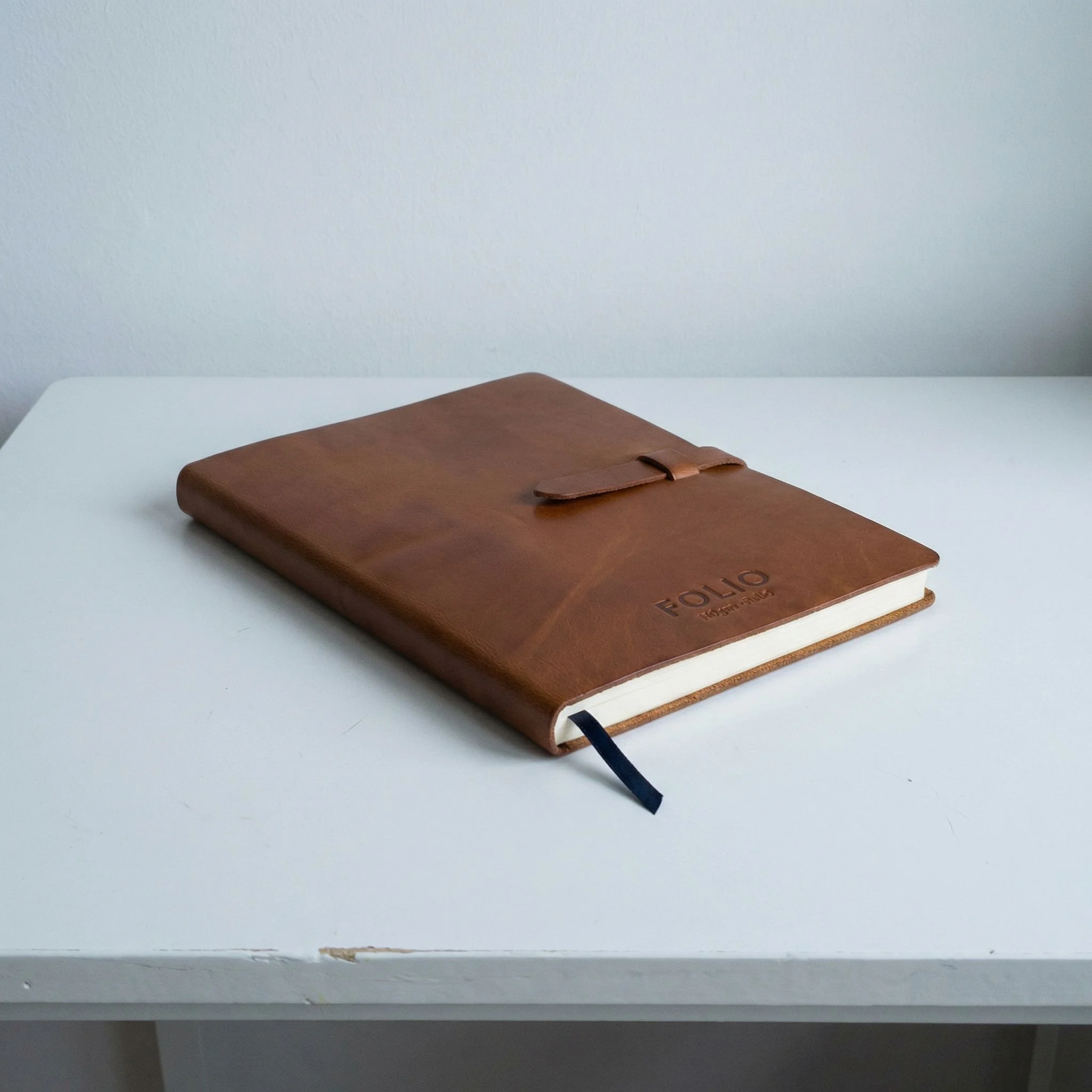
For your main product image, a clean, white, or off-white background is widely considered the industry standard. This allows the product to stand out without distractions, making it easy for customers to focus solely on what you're selling. Shopify, and other marketplaces, often favor or even require clean backgrounds for primary images. For secondary or lifestyle images, backgrounds can vary to demonstrate context and use.
Why Image Quality Directly Impacts Sales and Rankings on Shopify
High-quality product images are not merely an aesthetic choice; they are a strategic investment that directly influences your Shopify store's performance in several key areas:
Building Trust and Credibility
Customers can't physically touch or inspect your products online. Their perception of quality is almost entirely derived from your images. Professional, clear, and detailed photos signal a trustworthy and reputable brand, reducing buyer hesitation and increasing confidence in their purchase decision.
Enhancing User Experience and Engagement
Visually appealing images capture attention and encourage visitors to spend more time on your product pages. Multiple angles, close-ups, and lifestyle shots provide a comprehensive view, answering potential questions and creating a richer shopping experience. This increased engagement can reduce bounce rates and improve conversion rates.
Improving SEO and Discoverability
While images don't directly influence text-based SEO, optimized images contribute to overall site speed, which is a significant ranking factor for search engines. Furthermore, well-tagged images (with descriptive alt text) can appear in image searches, driving additional traffic to your store. High-quality images also lead to better engagement metrics on your site, which indirectly signals to search engines that your content is valuable.
Reducing Returns
Clear, accurate product images set realistic expectations. If customers have a precise understanding of what they're buying—its size, color, texture, and how it looks in context—they are less likely to be disappointed upon arrival, thus reducing costly returns and negative reviews.
Common Mistakes Sellers Make with Shopify Product Images
Even with the best intentions, sellers often fall into common traps that undermine the effectiveness of their product photography:
Poor Lighting
Inadequate or harsh lighting can cast unflattering shadows, obscure details, and distort colors, making products look dull or cheap. Natural, diffused light is often best, but consistent studio lighting is essential for professional results.
Inconsistent Aesthetics
Mixing wildly different photography styles, backgrounds, or lighting setups across your product catalog creates an unprofessional and jarring experience for customers. Consistency in your visual branding reinforces your identity and makes your store look cohesive.
Low Resolution and Pixelation
Using images that are too small or low-resolution can result in pixelated or blurry photos when zoomed in, or even at standard viewing sizes. This immediately signals a lack of professionalism.
Lack of Detail and Variety
Only showing one angle or failing to highlight key features, textures, or practical applications leaves customers with unanswered questions. This can lead to them seeking out competitors who provide more comprehensive visual information.
Busy or Distracting Backgrounds
For main product images, a cluttered background detracts from the product itself, making it hard for customers to discern what's being sold. Even in lifestyle shots, the background should complement, not compete with, the product.
Best Practices for Main Images vs. Secondary/Lifestyle Images
To maximize your visual impact, differentiate your approach to primary product shots and supporting images.
Main Product Images: The First Impression
- Focus: The product should fill at least 80% of the frame, be perfectly in focus, and well-lit.
- Background: As discussed, a clean, white, or neutral background is paramount. This allows for easy product cutout and consistent branding.
- Angle: Often, a straight-on, eye-level shot is best to introduce the product clearly. Avoid extreme angles that distort the product's true appearance.
- No Props: Keep it strictly product-focused to avoid any distractions.
Secondary and Lifestyle Images: Telling the Story
These images are crucial for context, scale, and emotional connection. They help customers envision themselves using the product.
- Alternate Angles: Showcase the product from every side (top, bottom, back, close-ups of specific features).
- Scale Shots: Include a familiar object or a model to provide a sense of the product's true size.
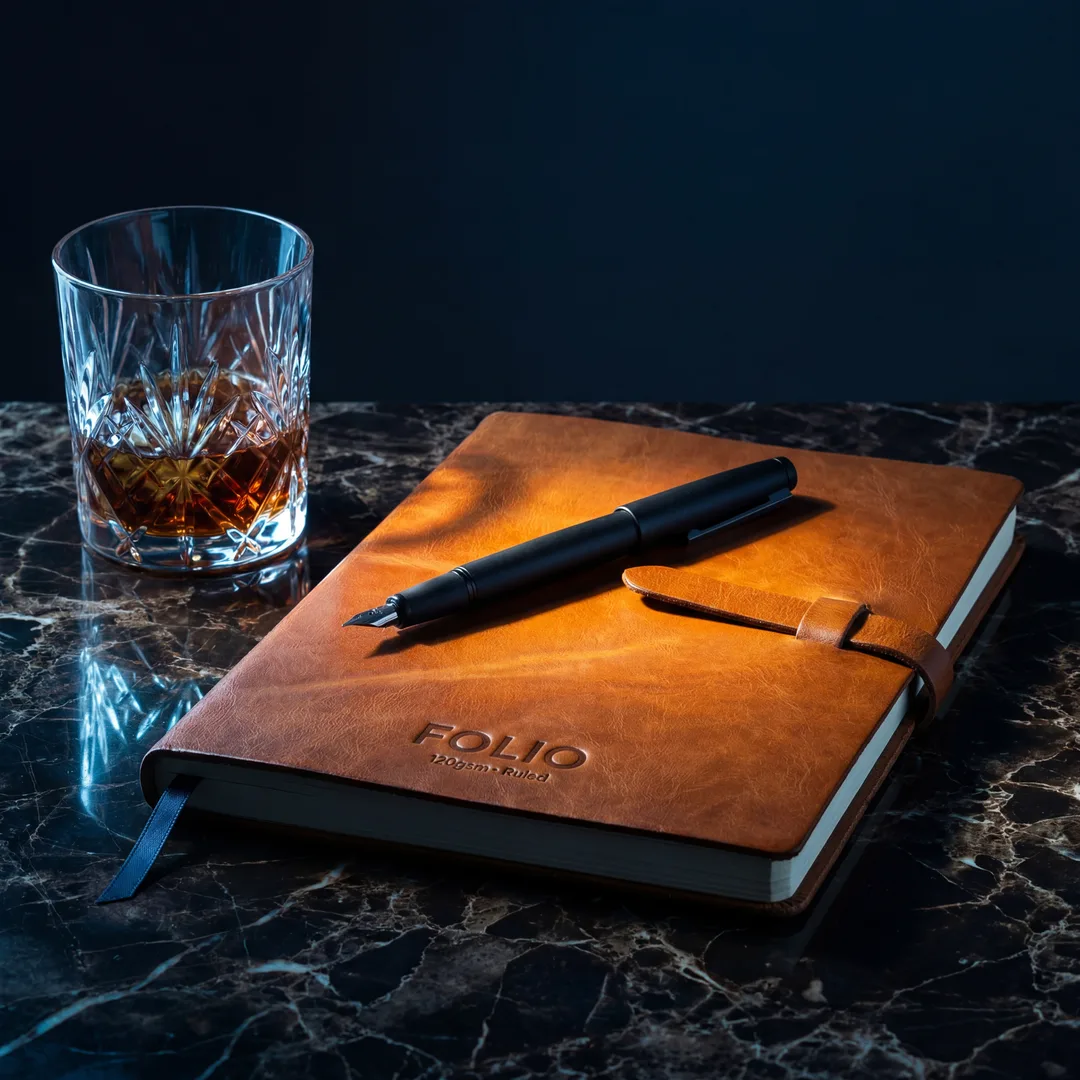
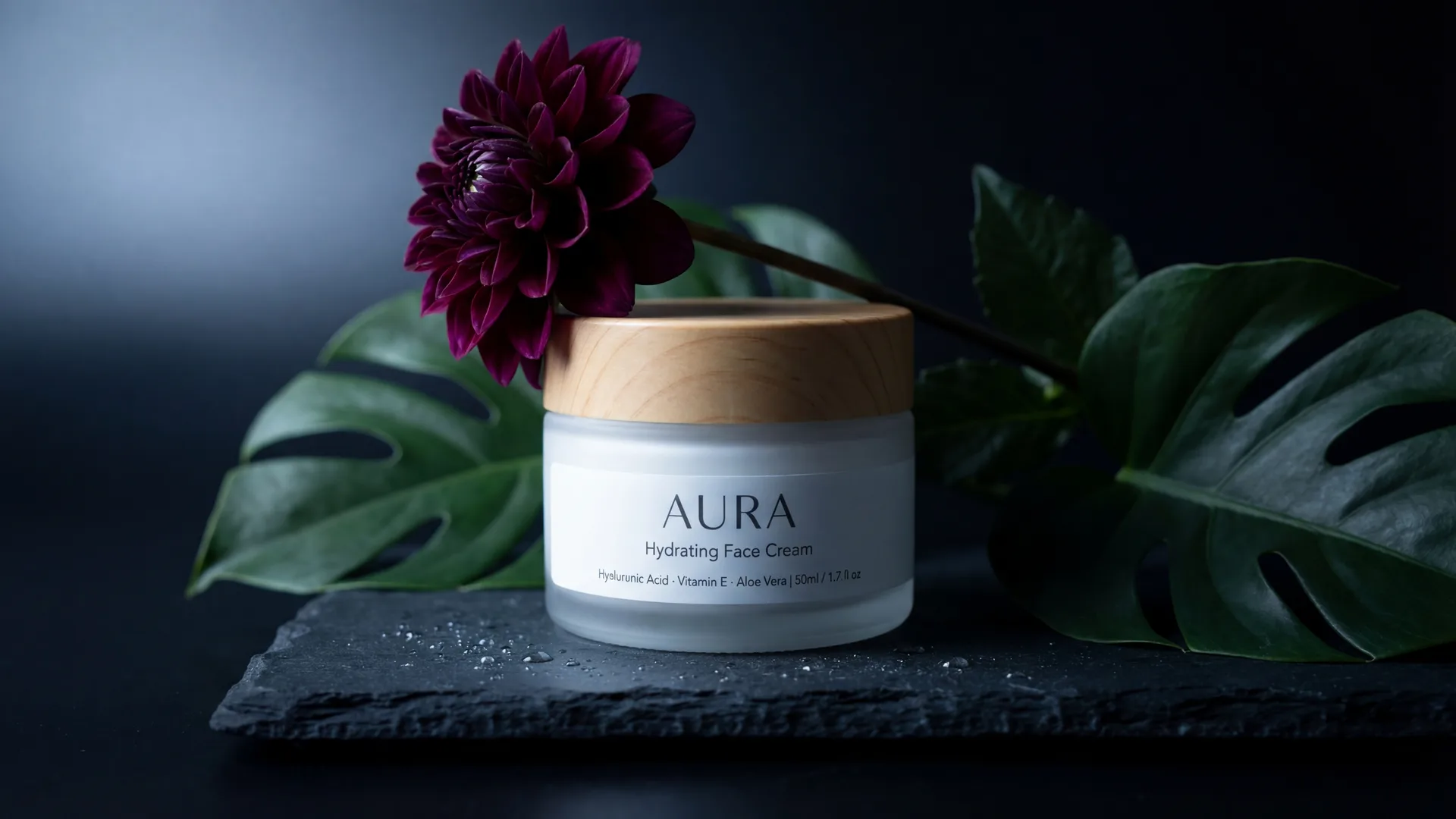
- In-Use/Lifestyle Shots: Depict the product in its intended environment or being used by a model. This helps customers relate and visualize its benefits.
- Detail Shots: Highlight unique textures, intricate designs, or important functional elements.
- Group Shots: If applicable, show the product as part of a collection or with its accessories.
- Infographics/Specification Images: Clearly present key features, dimensions, or benefits using text overlays on a product image.
How AI Photography Tools Can Help Sellers Meet Shopify's Standards Efficiently
Creating professional-grade product photography can be a significant time and resource drain, especially for small businesses or those with large catalogs. This is where AI-powered photography tools offer a transformative solution. They democratize access to high-quality visuals, allowing any seller to produce stunning, compliant images without the need for expensive equipment, elaborate studio setups, or professional photographers.
AI tools can automate numerous aspects of product photography:
- Background Removal and Replacement: Instantly strip away busy backgrounds and replace them with clean white or custom scenes, ensuring compliance for main images.
- Scene Generation: Create diverse, high-quality lifestyle scenes tailored to your product. This eliminates the need for physical props, models, or location shoots, offering unparalleled flexibility and consistency.
- Style Consistency: AI can learn your brand's visual identity and apply consistent lighting, mood, and color palettes across all your product images, ensuring a cohesive store aesthetic.
- Image Optimization: Automatically resize and compress images to meet Shopify's recommended file sizes without compromising visual quality, ensuring fast page loads.
Step-by-Step Process for Creating Compliant, High-Converting Images Using Photone AI
Photone AI is an excellent example of an AI-powered platform designed to streamline and elevate your product photography efforts, helping you meet Shopify's exacting standards and captivate your audience. Here's how you can leverage its capabilities:
- Start with Your Product Image: Begin by uploading your existing product photo. Even a basic smartphone picture on a simple background can work, as Photone AI's advanced algorithms are designed to enhance and transform it.
- Utilize the URL-to-Photo Pipeline: For ultimate efficiency, simply paste your product's URL from your existing store. Photone AI can often automatically extract the product image directly, saving you a step.
- Harness Brand DNA Extraction (Optional but Recommended): If you've uploaded multiple products or linked your store, Photone AI can analyze your existing visual identity. This feature helps maintain consistency by suggesting styles and scenes that align with your brand's established look and feel.
- Select or Generate Scenes: This is where you create your main and secondary images. For main images, choose a clean, white studio background template. For secondary and lifestyle images, explore Photone AI's extensive library of scene templates. These templates encode specific moods, lighting, composition, and color palettes, allowing you to place your product in realistic and aspirational settings relevant to your ta...
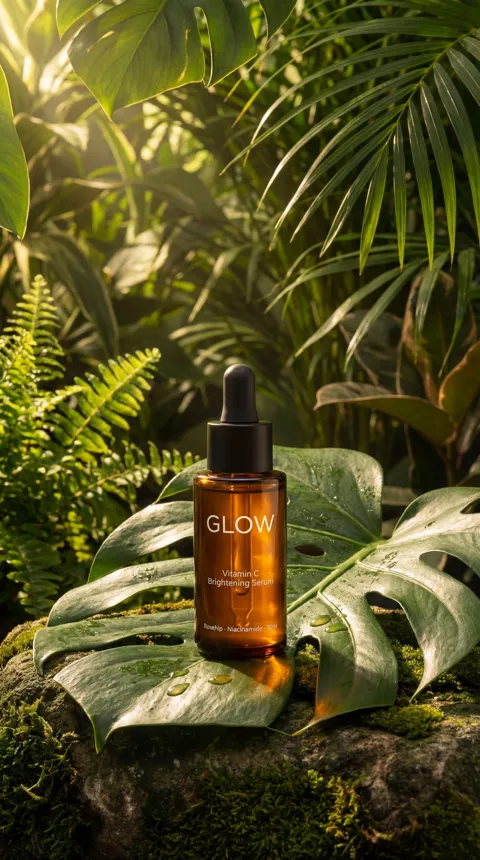
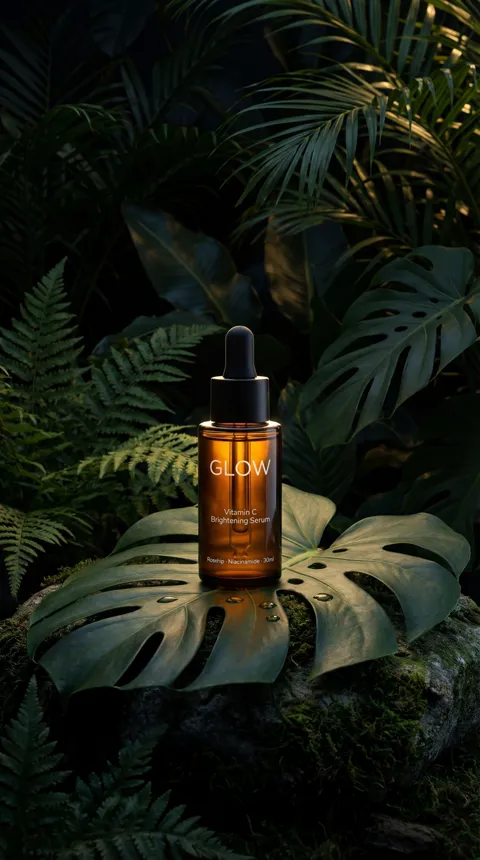
Image Requirements
| Type | Details |
|---|---|
| main_image | Clean, white/neutral background; product fills 80% of frame; perfectly in focus; no distractions. |
| secondary_images | Show alternate angles, close-ups, scale shots, lifestyle shots, or infographics. Backgrounds can vary for context but should be complementary. |
Frequently Asked Questions
What are the recommended image dimensions for Shopify?+
Shopify recommends using square images, ideally 2048 x 2048 pixels, up to a maximum of 4472 x 4472 pixels. This balance provides excellent zoom capabilities while ensuring fast loading times and consistent display across themes and devices.
Which file format is best for Shopify product photos?+
For most product photographs, JPEG (JPG) is recommended due to its smaller file size and good quality compression, which helps keep your store fast. Use PNG for images requiring transparency or very sharp edges, like logos.
Do I need a white background for my Shopify product images?+
For your main product image, a clean, white, or off-white background is highly recommended and often a best practice across e-commerce. It helps the product stand out, looks professional, and meets common marketplace requirements. Secondary images can feature different backgrounds to show context.
How many images should I use per product on Shopify?+
Aim for at least 5-7 images per product. This should include a main product shot, multiple angles, close-ups of details, a scale shot (with a model or familiar object), and one or two lifestyle shots showing the product in use or in context. More complex products may benefit from even more images.
Can I use photos taken with my phone for my Shopify store?+
Yes, modern smartphones are capable of taking high-quality photos. However, ensure good lighting, a steady hand, and proper composition. For professional results, you'll still need to edit them, optimize their size, and consider using AI tools to create consistent backgrounds and lifestyle scenes.
How does image file size impact my Shopify store's performance?+
Large image file sizes slow down your website's loading speed. Slow load times can lead to higher bounce rates, frustrated customers, and lower search engine rankings. It's crucial to optimize images (aim for under 1-2 MB) before uploading, even though Shopify performs some automatic compression.