

Mastering Wix Product Photography: A Comprehensive Guide for E-commerce Success
Unlock higher sales and better rankings on Wix with this expert guide to product photography. Learn image requirements, best practices, and how AI tools can hel
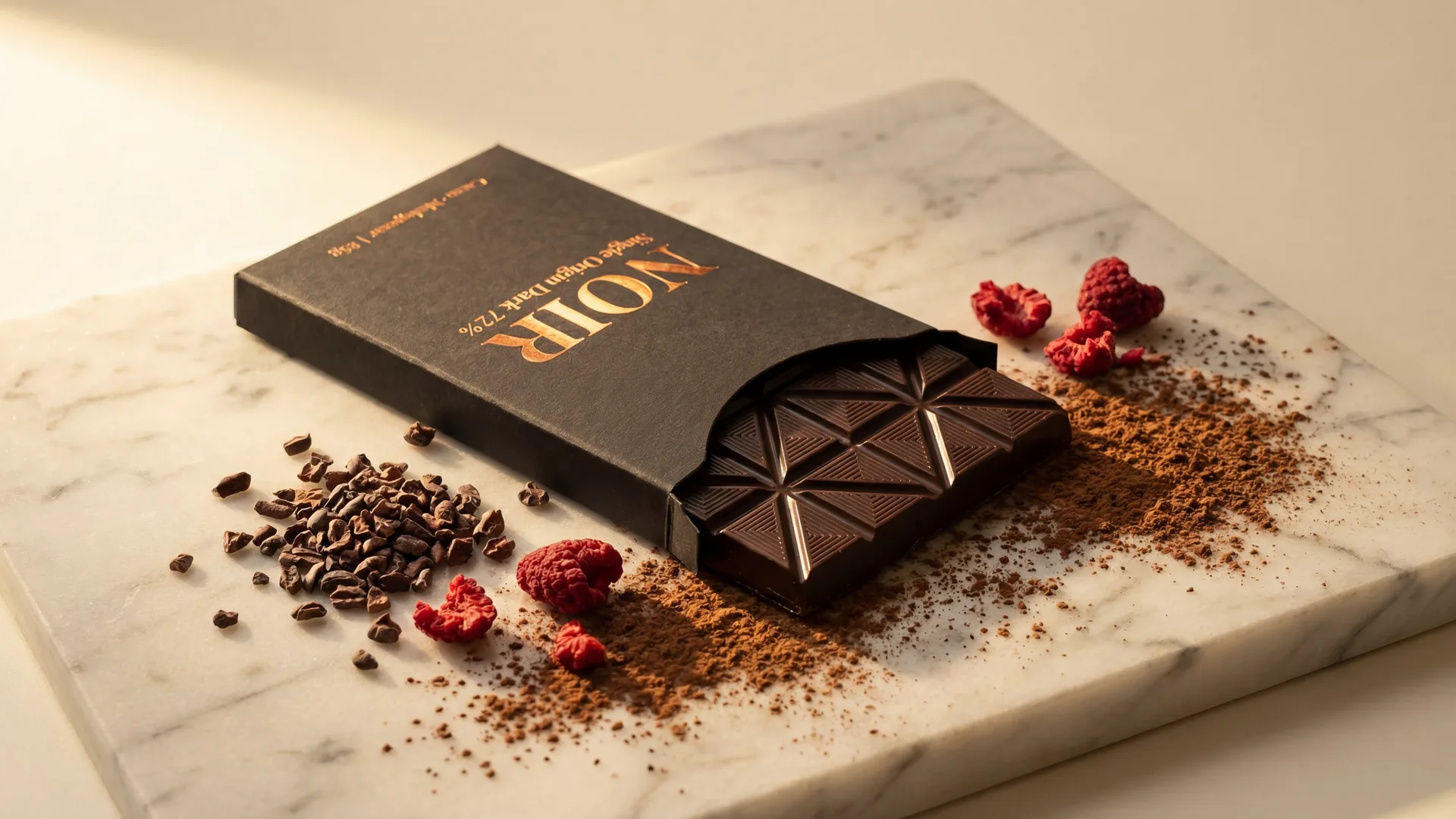
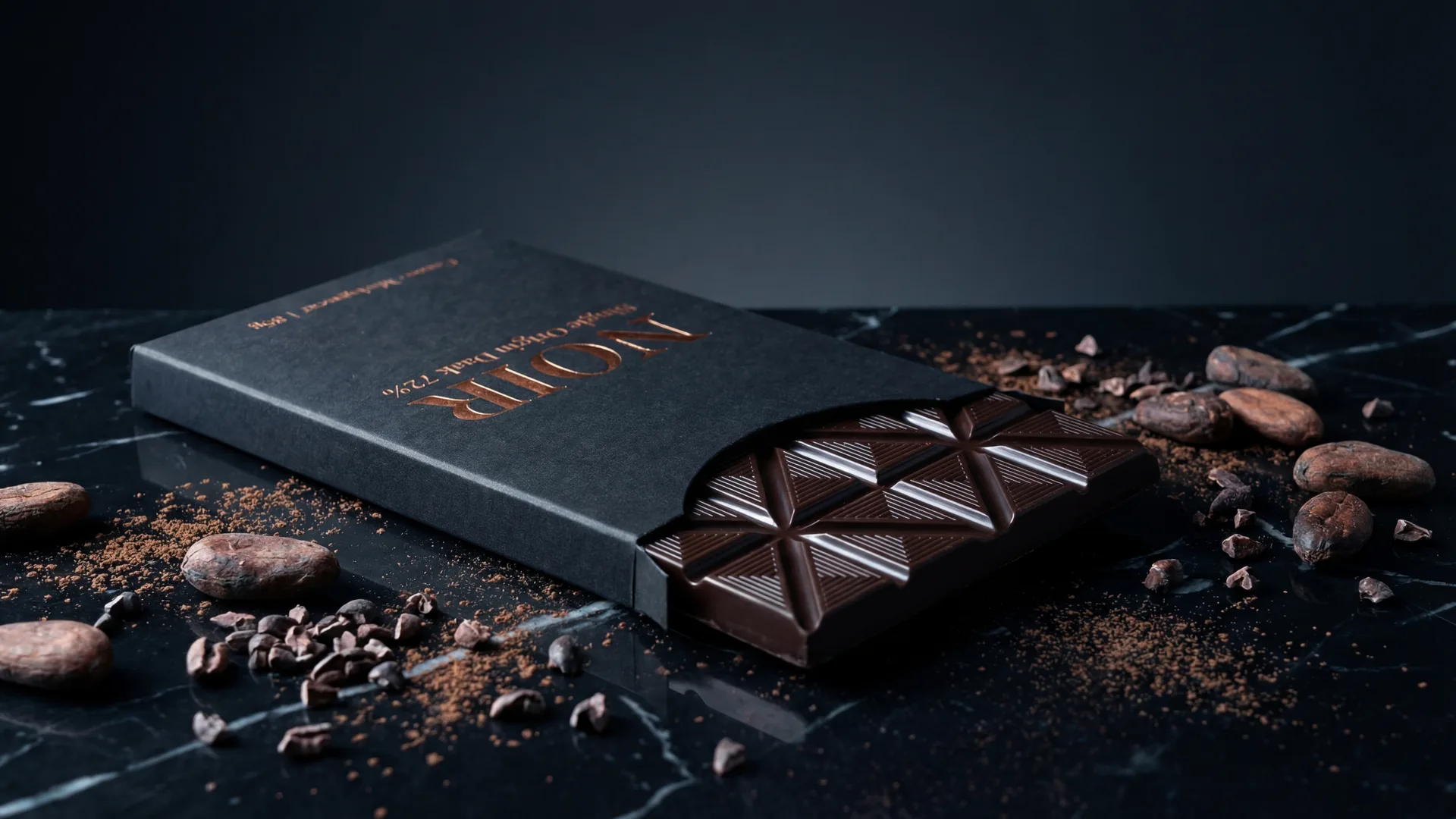
As an e-commerce entrepreneur building your dream store on Wix, you've likely spent countless hours perfecting your product listings, refining your descriptions, and optimizing your site layout. However, there's one critical element that often gets overlooked or underestimated: your product photography.
In the fiercely competitive online marketplace, your product images are not just visual aids; they are your most powerful sales tool. They are the first impression, the silent salesperson, and often the deciding factor in whether a potential customer clicks 'Add to Cart' or navigates away. For Wix store owners, understanding and adhering to platform-specific requirements while implementing best practices can significantly impact conversion rates, customer trust, and even your store's visibility.
This comprehensive guide will walk you through everything you need to know about Wix product photography, from technical requirements to advanced strategies, ensuring your images captivate your audience and drive consistent sales.
Understanding Wix's Product Image Requirements
Wix offers a user-friendly platform, but like all e-commerce systems, it has optimal guidelines for product images. Adhering to these ensures your photos load quickly, display beautifully across all devices, and don't get rejected or downscaled in a way that compromises quality.
Recommended Dimensions and Aspect Ratios
While Wix is quite flexible, recommending images between 1000x1000 pixels and 2000x2000 pixels, the gold standard for e-commerce platforms, including Wix, is a square aspect ratio. This ensures visual consistency across product galleries, prevents awkward cropping on different devices (especially mobile), and makes your store look professional.
- Ideal Dimensions: Aim for images around 1200x1200 pixels or 2000x2000 pixels. This resolution provides ample detail for zoom functions without being excessively large, which can slow down page loading.
- Minimum Dimensions: While Wix might accept smaller images, avoid anything below 600x600 pixels to prevent pixelation when zoomed or viewed on larger screens.
- Aspect Ratio Consistency: Stick to 1:1 (square) for all your main product images. This creates a clean, uniform look in your product grids.
Supported File Formats and Sizes
File format and size are crucial for balancing image quality with website performance. Slow-loading pages are a major conversion killer.
- Accepted Formats: Wix primarily supports JPG (JPEG) and PNG. JPG is generally preferred for photographs due to its excellent compression for complex images with many colors, resulting in smaller file sizes. PNG is ideal for images with transparent backgrounds or sharp lines, like logos or graphics, but often results in larger file sizes for photos.
- File Size: While Wix allows individual image files up to 25MB, this is far too large for optimal web performance. Aim for under 1-2 MB per image. You can achieve this by optimizing your JPG compression without visible loss of quality. Tools like TinyPNG or compressor.io can help reduce file sizes efficiently.
Background Rules and Best Practices
The background of your product image plays a critical role in how your product is perceived.
- Main Product Images: For your primary (first) product image, a pure white or very light, neutral background is highly recommended. This practice highlights the product itself, minimizes distractions, and is often preferred by comparison shopping engines and marketplaces. It also gives your entire catalog a clean, professional, and consistent appearance.
- Secondary and Lifestyle Images: For these images, you have more creative freedom. Lifestyle shots can feature real-world settings, props, and models, allowing you to show the product in use. However, always ensure the background enhances, rather than detracts from, the product.
The Direct Impact of Image Quality on Wix Sales and SEO
Ignoring the quality of your product images is akin to opening a physical store with dusty, poorly lit displays. The impact is immediate and significant.
Boosting Conversion Rates
High-quality product images are the closest thing online shoppers get to a tangible experience with your product. Clear, well-lit, and detailed photos:
- Build Trust: Professional images convey credibility and attention to detail, reassuring customers about your brand and product quality.
- Reduce Uncertainty: Shoppers can examine products from multiple angles, see textures, and understand scale, answering many of their questions visually.
- Evoke Desire: Beautiful lifestyle shots can create an emotional connection, helping customers envision themselves using and benefiting from the product.
Studies consistently show that product pages with high-quality images have significantly higher conversion rates.
Enhancing User Experience
A visually appealing Wix store is a joy to browse. Consistent, high-resolution images contribute to a smooth and engaging user experience:
- Faster Loading: Optimized image files ensure your pages load quickly, preventing frustrated customers from abandoning their carts.
- Mobile Responsiveness: Images that are correctly sized and aspect-ratio-consistent display perfectly on all devices, from desktops to smartphones.
- Professional Aesthetics: A cohesive visual identity makes your brand appear more established and reliable, fostering repeat business.
Improving Search Engine Visibility on Wix
Beyond direct sales, your product images also play a role in SEO, helping more potential customers discover your Wix store.
- Image Alt Text: Wix allows you to add 'Alt Text' to your images. This descriptive text helps search engines understand what your image is about, improving your chances of ranking in image search results. Always use relevant keywords naturally.
- Page Speed: As mentioned, optimized images contribute to faster page load times, which is a significant ranking factor for Google and other search engines.
- Engagement Signals: High-quality images lead to longer dwell times and lower bounce rates – positive signals that tell search engines your content is valuable, potentially boosting your overall page rankings.
Common Pitfalls in Wix Product Photography
Even with the best intentions, sellers often make critical mistakes that undermine their product photography efforts. Avoiding these pitfalls can give you a significant advantage.
Low Resolution and Blurry Images
This is perhaps the most common and damaging mistake. Pixelated, fuzzy, or low-resolution images scream unprofessionalism and erode trust. They suggest carelessness and can make your product look cheap, even if it's high quality.
Inconsistent Branding and Aesthetics
Imagine a storefront where every product is photographed in a different style – some dark, some bright, some with busy backgrounds. This creates a disjointed and unprofessional shopping experience. Inconsistent lighting, angles, and background styles confuse customers and weaken your brand identity.
Lack of Variety and Context
One good image is not enough. Customers want to see the product from multiple angles, understand its scale, and imagine it in real-world scenarios. Relying on only one or two static shots leaves too many questions unanswered.
Poor Lighting and Staging
Harsh shadows, yellowed lighting, or cluttered staging can completely obscure your product's true appearance. Products should be evenly lit, showcasing their true colors and features without distracting elements.
Best Practices for High-Converting Wix Images
Now that you understand the 'whys' and 'what not to dos,' let's delve into the 'how-tos' for creating impactful product images for your Wix store.
Main Product Images: Clarity and Focus
Your first image is the hero shot. It needs to be pristine.
- Front and Center: The product should fill a significant portion of the frame (70-85%), leaving just enough negative space to prevent it from looking cramped.
- Pure White Background: As discussed, a clean white or very light background is essential. It provides contrast, makes editing easier, and is universally accepted as a professional standard.
- Sharp Focus and Even Lighting: Ensure every detail is in crisp focus. Use soft, diffused lighting to eliminate harsh shadows and represent true colors accurately.
- No Text or Watermarks: Keep your main image free of overlays, text, or prominent watermarks. Let the product speak for itself.
Secondary and Lifestyle Images: Storytelling and Context
These images complement your main shot by adding depth and context.
- Multiple Angles: Show the product from the top, bottom, sides, and any unique features or details.
- Close-Ups: Highlight textures, materials, and intricate design elements. These detail shots can be very persuasive.
- In-Use/Lifestyle Shots: Demonstrate the product in its intended environment or being used by a model. This helps customers visualize owning it. For example, a handbag on a person, a piece of furniture in a styled room, or a gadget in action.
- Scale Shots: Include an object or a person in the frame to provide a sense of scale, especially for items whose size isn't immediately obvious.
- Product Grouping: If selling sets or bundles, show all components clearly.
Utilizing Product Videos
Wix allows you to add videos to your product galleries. A short, high-quality video (15-30 seconds) demonstrating the product in action, its features, or how it solves a problem, can be incredibly effective in boosting engagement and conversions. Videos are particularly powerful for complex products or items where movement and interaction are key.
Consistency Across Your Catalog
Maintaining a consistent visual style is paramount. This includes uniform lighting, background, and editing style across all your product listings. This consistency reinforces your brand identity and makes your entire Wix store look polished and trustworthy.
Leveraging AI Photography Tools for Wix ...


Image Requirements
| Type | Details |
|---|---|
| main_image | Clear, sharp focus, pure white/neutral background, no text/watermarks, optimized file size (<1-2MB) |
| secondary_images | Multiple angles, close-ups, lifestyle/in-use shots, consistent lighting/style, optimized file size (<1-2MB) |
Frequently Asked Questions
What are the best image dimensions for Wix product photos?+
Wix is flexible, but for optimal display and consistency, aim for square images around 1200x1200 pixels or 2000x2000 pixels. This provides clarity for zoom functions and looks great across all devices.
What file formats should I use for Wix product images?+
JPG (JPEG) is generally recommended for product photographs due to its excellent compression for complex images, resulting in smaller file sizes. PNG is suitable for images with transparency or sharp graphics.
How important is file size for Wix product images?+
File size is critical for page load speed. While Wix allows up to 25MB, you should aim for product images to be under 1-2 MB each. Optimized, smaller files improve user experience and SEO.
Should my main Wix product image have a white background?+
Yes, a pure white or very light, neutral background is highly recommended for your main product image. It highlights the product, minimizes distractions, and is a standard for professional e-commerce presentation.
Can I use AI to generate product photos for my Wix store?+
Absolutely! AI photography tools like Photone AI can efficiently transform basic product images into professional lifestyle shots, helping you achieve consistent, high-quality visuals, save time, and offer diverse scenes without traditional studio costs.
How many images should I include for each product on Wix?+
Aim for at least 5-7 images per product. This should include a main product shot, multiple angles, close-ups of details, and at least 2-3 lifestyle or in-use shots to provide context and tell a story.