
Mastering WooCommerce Product Photography: A Comprehensive Guide for E-commerce Success
Boost your WooCommerce store's sales and SEO with this expert guide to product photography requirements, best practices, and AI-powered solutions.
As an e-commerce entrepreneur, your WooCommerce store's success hinges significantly on one crucial element: your product photography. In a world where online shoppers cannot physically touch or inspect items, high-quality images serve as your most powerful sales tool. They are the silent salespeople, conveying product details, quality, and lifestyle appeal at a glance.
This comprehensive guide, crafted by an expert in e-commerce marketplace optimization, will walk you through the essential WooCommerce product photography requirements, common pitfalls to avoid, and best practices to ensure your images don't just meet standards, but actively drive conversions. We'll also explore how innovative AI photography tools can streamline this process, making professional-grade visuals accessible to every seller.
WooCommerce Product Photography Requirements: What You Need to Know
Meeting WooCommerce's technical image requirements is the foundational step to showcasing your products effectively. Adhering to these guidelines ensures your images display correctly across various devices and load efficiently for a seamless shopping experience.
Image Dimensions and Aspect Ratios
WooCommerce automatically resizes and crops images for different sections of your store (product catalog, single product pages, thumbnails). To prevent pixelation and maintain clarity, it's crucial to upload images at a high enough resolution.
- Minimum Recommended: WooCommerce recommends a minimum of 800px by 800px for your main product images. This allows for clear display and basic zoom functionality.
- Optimal for Zoom: For a truly impactful user experience, especially with detailed products, aim for 1200px by 1200px or larger (up to 2000px by 2000px). This provides ample detail for the zoom feature, allowing customers to inspect textures and fine craftsmanship.
- Aspect Ratio: A 1:1 (square) aspect ratio is generally recommended for main product images across the WooCommerce catalog and gallery. This ensures visual consistency and prevents awkward cropping. For lifestyle or secondary images, some flexibility is acceptable, but maintaining a consistent ratio across your gallery images for a single product can enhance professionalism.
Supported File Formats
WooCommerce supports common web image formats, each with its own advantages:
- JPEG (.jpg or .jpeg): This is the go-to format for most product photographs. JPEGs offer excellent compression, resulting in smaller file sizes without significant loss of image quality, especially for images with many colors and gradients. This translates to faster page loading times.
- PNG (.png): PNG is ideal for images requiring transparency (e.g., logos, product cutouts where the background needs to be removed cleanly). While it supports lossless compression, PNG files are typically larger than JPEGs, so use them judiciously.
- WebP (.webp): A newer format developed by Google, WebP offers superior compression for both lossy and lossless images, often resulting in significantly smaller file sizes than JPEGs or PNGs while maintaining quality. WooCommerce supports WebP, and converting your images to this format can provide a substantial performance boost. You may need a plugin to enable full WebP support for older WooCommerce installations.
File Size and Optimization
Large image files are a silent killer of e-commerce conversions. They slow down your website, frustrate visitors, and negatively impact your search engine rankings.
- Target Size: Aim to keep individual product image files under 100-200 KB whenever possible, without compromising visual quality. For very high-resolution zoom images, you might go slightly higher, but always optimize.
- Compression: Utilize image optimization tools (online compressors, Photoshop's "Save for Web," or WordPress/WooCommerce plugins) to reduce file size. These tools intelligently reduce data without visible quality loss.
- Lazy Loading: WooCommerce (and WordPress) includes native lazy loading, which defers loading images until they enter the user's viewport. Ensure this feature is active or use a dedicated plugin to further enhance page speed.
Background Guidelines
Consistency in backgrounds is crucial for a professional-looking store.
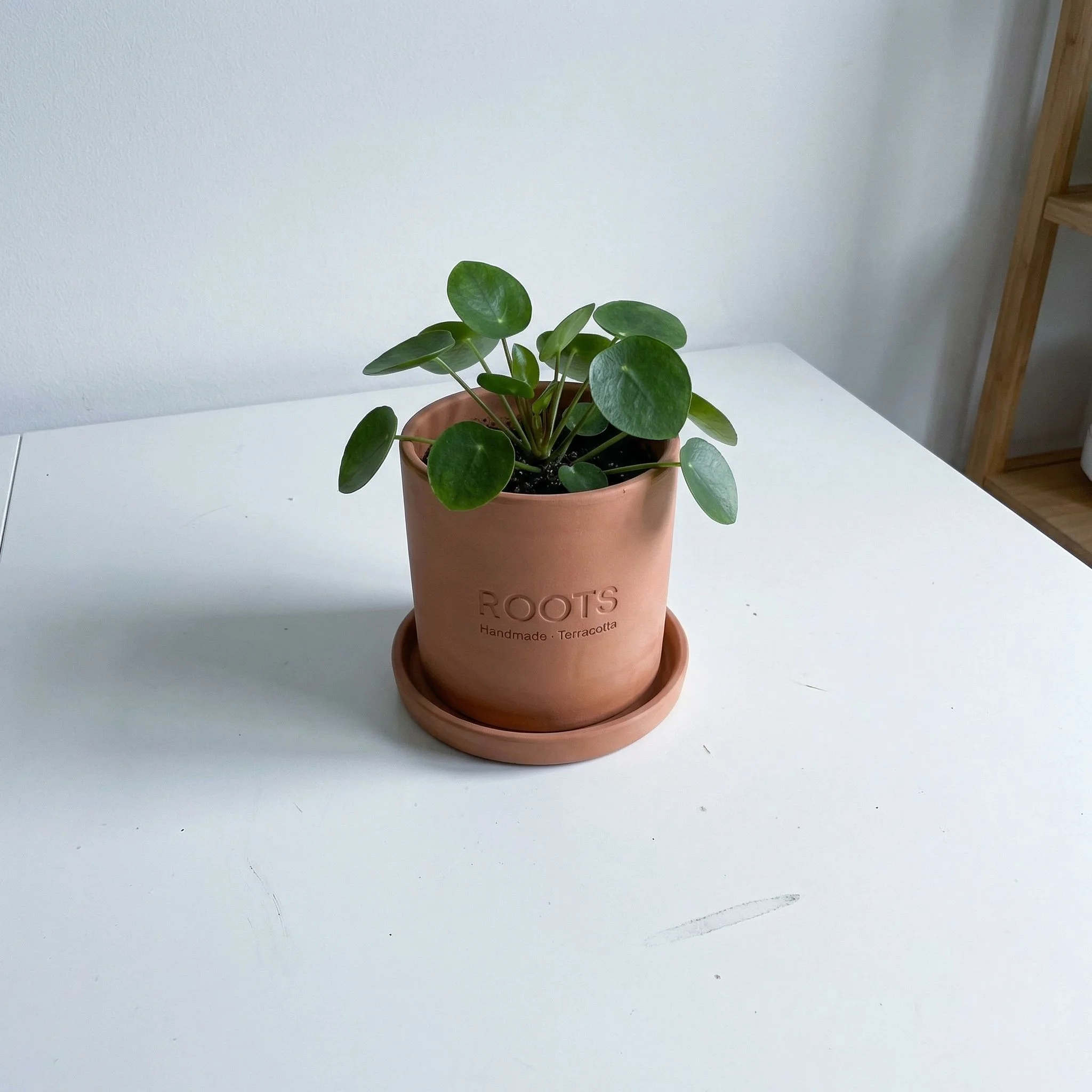
- Main Images: A pure white or neutral light grey background is the industry standard for main product images. This eliminates distractions, makes your product pop, and ensures consistent visual branding across your catalog. It's also often preferred by shopping engines and marketplaces.
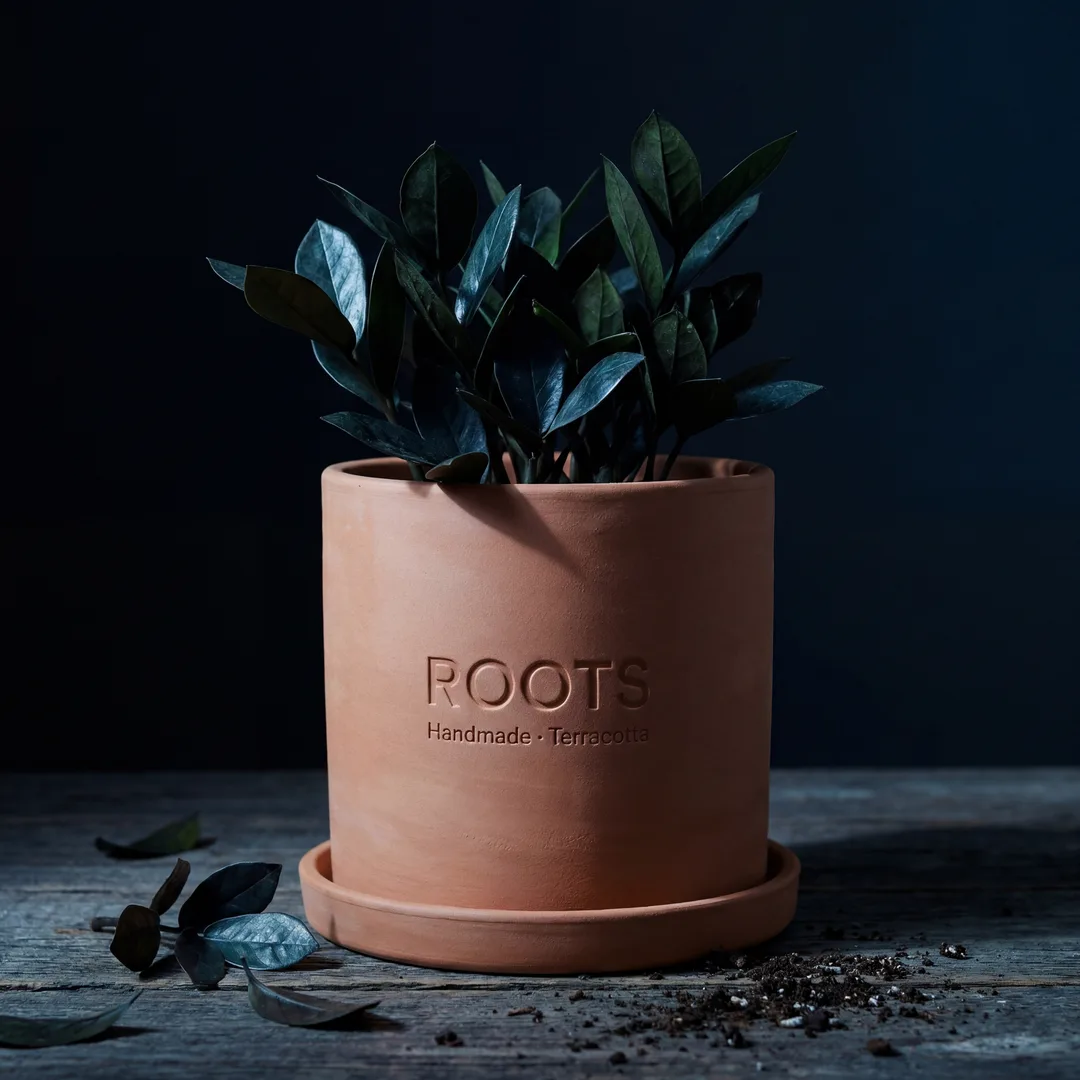
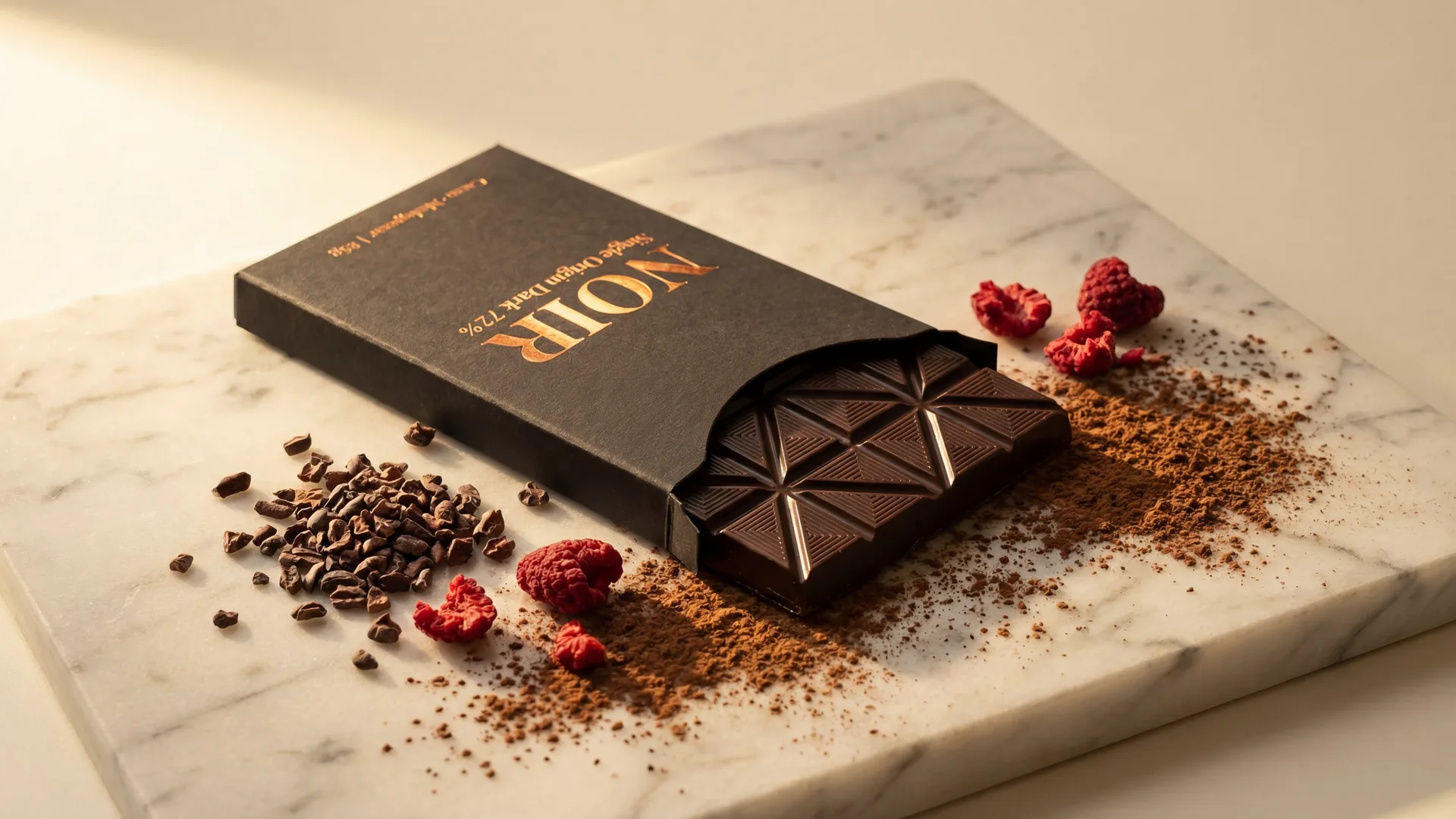
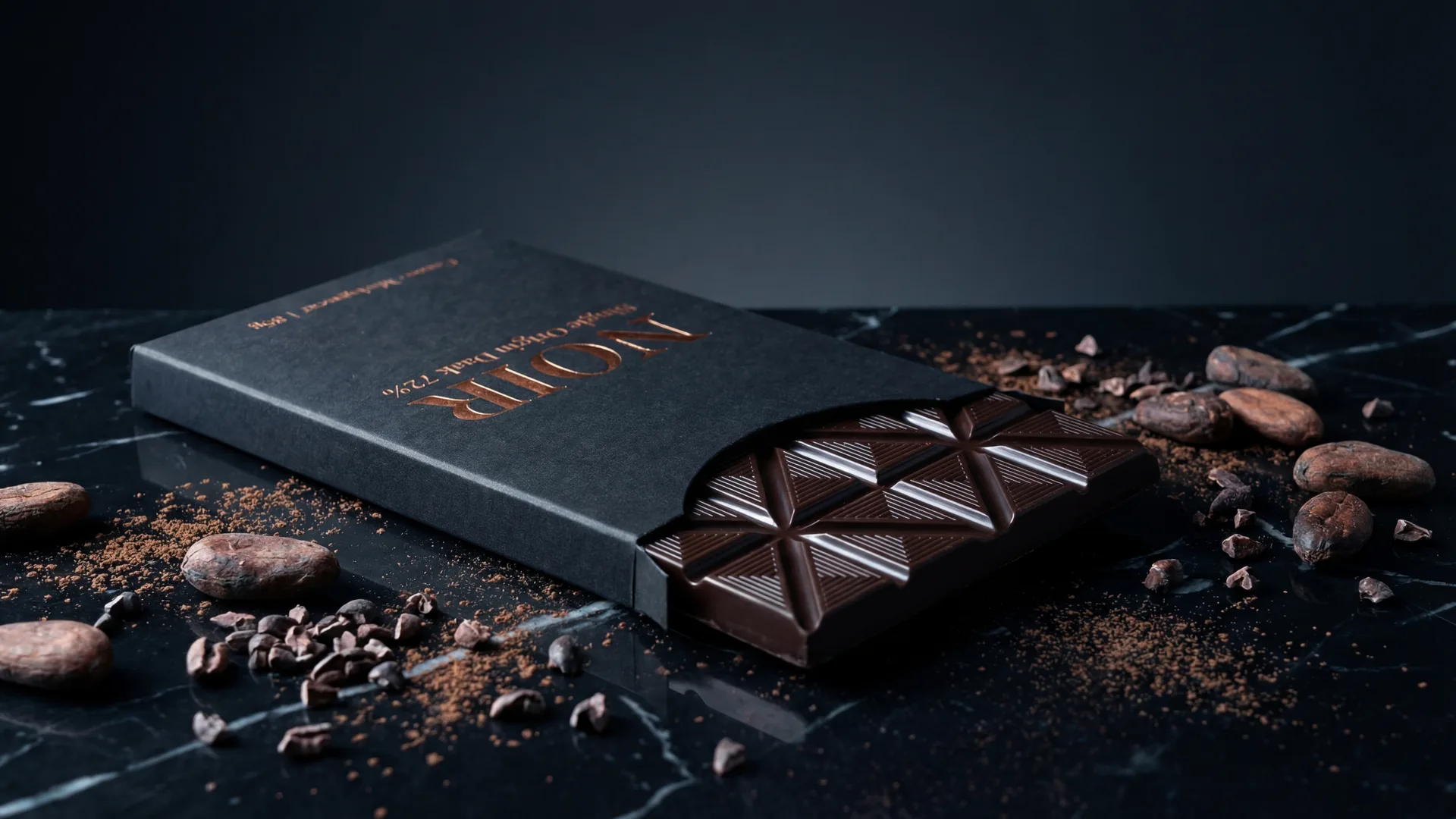
- Secondary/Lifestyle Images: For gallery images, backgrounds can be more dynamic. Here, you can showcase the product in context, in use, or against relevant backdrops that enhance its appeal and tell a story. However, avoid overly cluttered or distracting backgrounds that detract from the product itself.
Main Image Specifics
The main product image, often called the "hero shot," is the first impression. It should be a clear, direct, well-lit shot of the product, typically centered, filling 80-85% of the frame. Ensure accurate color representation and sharp focus. No text, watermarks (unless absolutely necessary and subtle), or busy props that distract from the product itself.
Gallery Image Specifics
WooCommerce allows for multiple gallery images. Use them to provide a comprehensive view:
- Multiple Angles: Show the product from all sides (front, back, left, right, top, bottom).
- Close-ups: Highlight key features, textures, materials, and intricate details.
- In-Use/Lifestyle Shots: Demonstrate the product in its intended environment or being used by a model. This helps customers visualize themselves with the product.
- Scale Shots: Include an object of known size (like a hand, coin, or common household item) to help customers understand the product's true dimensions.
Why High-Quality Images Drive WooCommerce Sales and SEO
Beyond meeting technical requirements, investing in superior product photography yields significant returns across your entire e-commerce operation.
Building Trust and Credibility
Professional, high-resolution images signal a trustworthy and reputable brand. Shoddy photography suggests a lack of attention to detail, leading customers to question the quality of your products and the legitimacy of your business. Conversely, stunning visuals build immediate credibility and a sense of professionalism.
Enhancing User Experience
Customers browse online stores with their eyes. Engaging, informative images make the shopping experience enjoyable and intuitive. They allow customers to explore products visually, answer unspoken questions, and ultimately feel more confident in their purchasing decisions. A positive user experience leads to longer session times and lower bounce rates.
Reducing Returns
One of the biggest headaches for e-commerce businesses is product returns. Often, returns stem from a mismatch between customer expectations and the actual product. High-quality images, especially those showing multiple angles, close-ups, and scale, provide an accurate representation, minimizing surprises and reducing the likelihood of returns.
Boosting SEO and Discoverability
Google and other search engines reward websites that offer a superior user experience and valuable content. Optimized, high-quality images contribute significantly:
- Faster Load Times: Properly optimized (compressed) images lead to quicker page loads, a critical factor for SEO rankings.
- Improved Engagement: Engaging visuals keep users on your site longer, sending positive signals to search engines.
- Image Search: Well-described images (with proper alt text) can rank in Google Images, driving additional traffic to your product pages.
- Mobile-Friendliness: Responsive images that look great and load fast on mobile devices are essential for SEO, given the prevalence of mobile shopping.
Common WooCommerce Product Image Mistakes to Avoid
Even with the best intentions, sellers often fall into common traps that undermine their product photography efforts. Identifying and avoiding these mistakes is crucial for success.
Low Resolution and Poor Lighting
Images that are blurry, pixelated, or poorly lit are instant turn-offs. They make products look cheap and unprofessional, obscuring details and making it difficult for customers to assess quality. Always ensure your products are evenly and brightly lit, with crisp focus and high resolution.
Inconsistent Styling
Imagine browsing a store where every product photo has a different background, lighting style, or crop. It's jarring and unprofessional. Inconsistency confuses customers and weakens your brand identity. Strive for a cohesive look and feel across all your product images.
Overly Busy Backgrounds
While lifestyle shots benefit from context, a main product image should always prioritize the product itself. Busy or distracting backgrounds pull attention away from what you're trying to sell, making it harder for customers to focus on the product's features and benefits.
Missing Lifestyle Shots
Many sellers rely solely on studio shots, which, while necessary for clarity, don't always tell the whole story. Failing to include lifestyle images that show the product in use, its scale, or its benefits in a real-world setting is a missed opportunity to connect with customers emotionally and demonstrate value.
Ignoring Mobile Responsiveness
With over half of all online traffic coming from mobile devices, images that don't scale properly or load slowly on smartphones are a critical failure. Always test how your images appear and perform on various mobile devices. Ensure they are optimized for quick loading and display correctly without requiring horizontal scrolling.
Best Practices for WooCommerce Product Images
Moving beyond the basics, these best practices will elevate your WooCommerce product photography from functional to truly compelling.
The Hero Shot: Main Image Strategies
Your main product image is arguably the most impo...
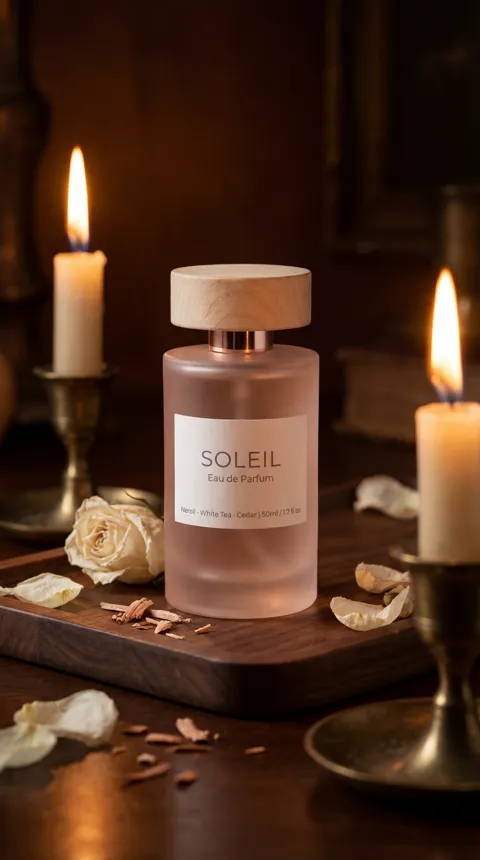

Image Requirements
| Type | Details |
|---|---|
| main_image | Clear, well-lit, direct view, clean/white background, product fills 80-85% of frame |
| secondary_images | Various angles, close-ups, lifestyle shots, in-context usage, scale, features, benefits, consistent styling |
Frequently Asked Questions
What's the ideal resolution for WooCommerce product images?+
While WooCommerce recommends a minimum of 800px x 800px, for optimal zoom functionality and clarity, aim for 1200px x 1200px or even up to 2000px x 2000px. Always maintain a square (1:1) aspect ratio for main images.
Should I use JPEG or PNG for my WooCommerce product photos?+
For most product photographs, JPEG (.jpg) is recommended due to its excellent compression for color-rich images, resulting in smaller file sizes and faster page loading. Use PNG (.png) only when you need transparency, as PNG files are typically larger.
How many images should I include for each product on WooCommerce?+
Aim for a minimum of 5-7 images per product. This should include one clear main image (hero shot) and several secondary images showcasing different angles, close-ups of details, lifestyle shots, and images demonstrating scale or use.
Is a white background always necessary for WooCommerce product photos?+
For your main product image, a pure white or neutral light grey background is highly recommended. It creates a clean, consistent look and makes the product stand out. For secondary or lifestyle images, you can use more dynamic, contextual backgrounds that enhance the product's appeal, but avoid anything overly busy or distracting.
How do I optimize images for faster loading on WooCommerce?+
Optimize images by compressing them (targeting under 100-200 KB per file), using the WebP format if supported, ensuring correct dimensions, and leveraging lazy loading. Use online tools or WordPress plugins like Smush, EWWW Image Optimizer, or ShortPixel for automated optimization.
Can I use the same product images across different e-commerce platforms?+
Yes, you can often use the same high-quality product images across multiple platforms. However, always check the specific image requirements (dimensions, background rules, file size limits) of each platform (e.g., Amazon, Etsy, eBay) as they can vary slightly from WooCommerce's recommendations.
What is alt text and why is it important for WooCommerce images?+
Alt text (alternative text) is a written description of an image. It's crucial for two main reasons: accessibility (it's read by screen readers for visually impaired users) and SEO (search engines use it to understand image content and improve search rankings). Always provide descriptive and keyword-rich alt text for all your WooCommerce product images.