
Mastering Zalando Product Photography: A Comprehensive Guide for E-commerce Sellers
Unlock higher sales on Zalando with this expert guide to product photography. Learn Zalando's image requirements, best practices, and how AI tools streamline th
Zalando stands as one of Europe's largest and most influential online fashion platforms, attracting millions of shoppers daily. For brands and retailers, listing products on Zalando offers unparalleled access to a vast, engaged audience. However, success on the platform hinges significantly on one critical element: your product photography. In the highly visual world of online fashion, high-quality, compliant, and captivating images are not just a recommendation—they are a prerequisite for visibility, conversions, and ultimately, sustainable growth.
This comprehensive guide will walk you through Zalando's specific product photography requirements and best practices. We'll explore why image quality directly impacts your sales and rankings, common pitfalls to avoid, and how modern AI photography tools can revolutionize your workflow to meet these stringent standards efficiently.
Zalando's Specific Image Requirements
Meeting Zalando's technical and aesthetic image specifications is the first, non-negotiable step to listing your products successfully. Deviations can lead to product rejection, delays, or even lower visibility.
Technical Specifications
- Dimensions and Aspect Ratio: Zalando typically requires high-resolution images. While exact minimums can vary, a safe bet is to aim for images that are at least 1000 pixels on the shortest side, with an ideal resolution of around 2000x3000 pixels (a 2:3 aspect ratio) for portrait-oriented fashion items. For square products, 2000x2000 pixels is often preferred. High resolution allows for Zalando's zoom functionality, letting customers inspect details.
- File Format: JPEG is the preferred format due to its balance of quality and smaller file size, which aids page loading speed. PNG is also usually accepted, particularly if transparent backgrounds were needed (though not for main images).
- File Size: Keep individual image files under 5 MB. While high resolution is crucial, excessively large files can slow down page load times, negatively impacting user experience and potentially SEO.
Background Rules for Main Images
For your primary product image, Zalando is very strict:
- Pure White Background: The background must be absolutely pure white, specifically RGB 255, 255, 255. This ensures consistency across the platform and highlights the product without distraction.
- No Props or Distractions: The main image should feature only the product (and model, if applicable). No hangers, tags, watermarks, text overlays, logos, or other distracting elements are allowed.
Product Presentation and Composition
- Product Centered and Prominent: The product should be clearly visible, occupying 80-90% of the image frame. It should be centered and well-lit.
- Model Usage (Fashion): For apparel and accessories, using a model is often mandatory or highly recommended. Models should be natural, diverse, and representative of your target audience. Poses should be neutral, allowing the clothing to be the focal point. Avoid overly aggressive, sexualized, or distracting poses.
- Front View for Main Image: Your primary image should typically be a clear front view of the product, showcasing its overall design.
Why Image Quality Directly Impacts Sales and Rankings on Zalando
In the competitive landscape of Zalando, your product images are your silent salespeople. Their quality directly influences several key performance indicators:
First Impressions and Perceived Value
High-quality images create an immediate sense of professionalism and trustworthiness. When a customer scrolls through search results, a crisp, well-lit, and attractive image is far more likely to grab their attention and earn a click than a poorly shot one. It also signals that your brand pays attention to detail and values its products, leading to a higher perceived value.
Click-Through Rates (CTR) and Conversion Rates
Compelling main images lead to higher CTRs from search results and category pages. Once a customer lands on your product page, a gallery of excellent secondary images—showcasing details, different angles, and lifestyle context—helps them visualize the product better. This detailed visual information addresses potential questions and reduces purchase hesitancy, directly contributing to higher conversion rates.
Reduced Returns
Clear, accurate images that faithfully represent the product's color, texture, fit, and scale help set appropriate customer expectations. When customers know exactly what they're getting, they are less likely to be disappointed upon arrival, leading to fewer returns. This not only saves you logistical costs but also improves customer satisfaction.
Zalando's Ranking Algorithm
While Zalando doesn't publicly disclose its exact ranking algorithm, it's widely understood that user engagement metrics play a crucial role. Products with high CTRs, good conversion rates, and low return rates are likely favored by the algorithm, leading to better search rankings and increased visibility. High-quality images are fundamental to achieving these positive metrics.
Common Mistakes Sellers Make with Zalando Product Images
Avoiding common pitfalls is as important as adhering to best practices. Here are some frequent mistakes that can hinder your success on Zalando:
- Poor Lighting and Blurry Images: Dark, shadowed, or out-of-focus images immediately deter shoppers. They signal unprofessionalism and make it hard for customers to assess the product.
- Inconsistent Backgrounds: Using varying backgrounds across your product catalog or, worse, for main images, violates Zalando's guidelines and creates a disjointed shopping experience.
- Incorrect Aspect Ratios or Low Resolution: Images that are stretched, pixelated, or don't fit Zalando's display areas properly look amateurish and make it impossible for customers to use the zoom function.
- Watermarks, Logos, or Text Overlays: These are generally prohibited, especially on main images, as they distract from the product and interfere with Zalando's consistent brand aesthetic.
- Missing Detail or Lifestyle Shots: Relying solely on a front-view image leaves customers wanting more. Without close-ups of fabric, stitching, or how the product looks in a real-world setting, customers can't make an informed decision.
- Non-Compliant Model Poses or Appearances: Models looking bored, overly stylized, or in awkward poses detract from the product. Zalando values a natural, aspirational, yet product-focused presentation.
Best Practices for Main Images vs. Secondary/Lifestyle Images
Understanding the distinct roles of your main and secondary images is crucial for optimizing your Zalando listings.
Main Image Best Practices
Your main image is your product's storefront window—it needs to be impeccable.
- Spotless White Background: As mentioned, strictly adhere to RGB 255,255,255 for the background. This ensures consistency and makes your product pop.
- Clear Front View: Show the product from its most representative angle, typically the front. For apparel, this means a full-length shot of the garment on a model.
- Excellent Lighting and Sharp Focus: Ensure even, bright lighting that illuminates the product accurately without harsh shadows. The product must be in sharp focus from edge to edge.
- Product Occupancy: The product should fill 80-90% of the frame, leaving just enough white space around it to breathe without appearing cramped.
- Natural Model Presentation: If using a model, they should have a neutral expression and a natural, relaxed pose that highlights the garment's fit and drape, not just the model themselves.
Secondary and Lifestyle Image Best Practices
Secondary images offer the opportunity to provide a more comprehensive view, answer customer questions, and inspire purchases.
- Varying Angles: Include shots from the back, sides, and ¾ views to show the product's full design.
- Close-ups and Details: Highlight unique features, fabric texture, stitching, embellishments, and closures. These details build trust and communicate quality.
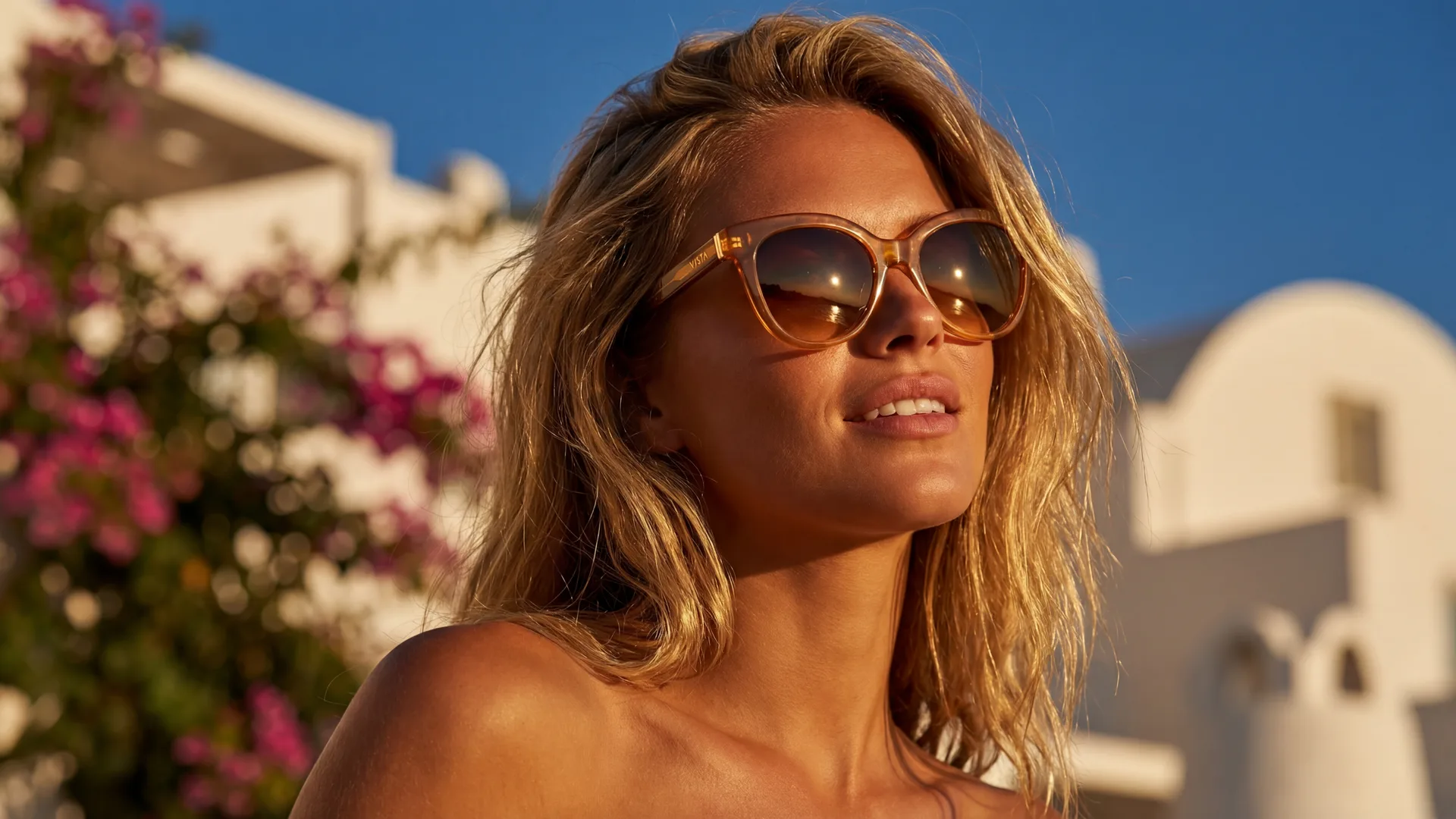
- Lifestyle Shots: These are invaluable for showing the product in context. For clothing, this could be a model wearing the outfit in a relevant setting (e.g., a park, a city street, a home interior). Lifestyle images help customers imagine themselves using or wearing the product.
- Product in Use: For accessories or non-apparel items, demonstrate how the product is used or worn. For example, a handbag being carried, or a piece of jewelry on a hand.
- Scale and Fit: Use lifestyle shots to communicate the product's actual size and how it fits relative to a person or environment.
- Material and Texture: Good secondary images can convey the tactile qualities of your product, which is especially important for fashion where fabric feel is a key purchasing factor.
- Scene Templates for Consistency: When creating lifestyle images, consider using consistent
scene templatesto maintain a cohesive visual identity across your entire catalog, even for different products.
How AI Photography Tools Can Help Sellers Meet Zalando's Standards Efficiently
The demands of high-volume e-commerce photography can be daunting. Traditional photo shoots are expensive, time-consuming, and require significant logistical planning. This is where AI-powered photography tools, like Photone AI, emerge as game-changers for Zalando sellers.
Streamlined Compliance and Consistency
AI tools can automate many of the repetitive and precise tasks required to meet Zalando's strict guidelines. For instance, achieving a pure white background (RGB 255,255,255) consistently across thousands of images is a painstaking manual process. AI can perform background removal and replacement with pixel-perfect accuracy and speed.
Cost and Time Savings
By generating professional-grade lifestyle photos from existing product images or even URLs, AI tools drastically reduce the need for expensive studio shoots, models, stylists, and elaborate set designs. This accelerates your time-to-market fo...


Image Requirements
| Type | Details |
|---|---|
| main_image | Pure white background (RGB 255,255,255). Product centered, occupying 80-90% of the frame. Model-worn for apparel, natural pose, clear front view. No watermarks, text, or props. |
| secondary_images | Show different angles, close-ups of details, texture. Lifestyle shots showing product in use or context. Can have various backgrounds, but maintain professionalism. No watermarks or text overlays. |
Frequently Asked Questions
What are Zalando's main image background requirements?+
Zalando strictly requires a pure white background (RGB 255, 255, 255) for all primary product images. No props, watermarks, text, or distractions are permitted on the main image.
Do I need to use models for fashion items on Zalando?+
Yes, for apparel and many fashion accessories, Zalando highly recommends or often mandates the use of models. Models help customers visualize fit, drape, and scale. Poses should be natural and focused on showcasing the product.
What image resolution and dimensions does Zalando prefer?+
Zalando prefers high-resolution images, ideally at least 2000 pixels on the shortest side. For fashion, a portrait aspect ratio like 2:3 (e.g., 2000x3000px) is commonly recommended, allowing for detailed zoom functionality.
Can I use lifestyle images as my main product image on Zalando?+
No, your main product image on Zalando must adhere to the pure white background rule. Lifestyle images are crucial for secondary slots, where they provide context, showcase details, and inspire customers.
How can AI photography tools help me meet Zalando's standards?+
AI tools like Photone AI can automate tasks such as background removal, generate diverse lifestyle scenes from simple product shots, ensure consistent lighting and composition, and create compliant images quickly and cost-effectively, reducing the need for traditional photo shoots.
What file formats and sizes are accepted by Zalando?+
Zalando typically accepts JPEG (preferred for its efficiency) and PNG formats. Each image file should generally be kept under 5 MB to ensure fast loading times on the platform.
Why is image quality so important for sales on Zalando?+
High-quality images significantly impact sales by improving click-through rates, conversion rates, and reducing returns. They build trust, enhance perceived value, and contribute positively to your product's visibility and ranking within Zalando's algorithm.